Maintenance 71
Preparing to calibrate the scanner
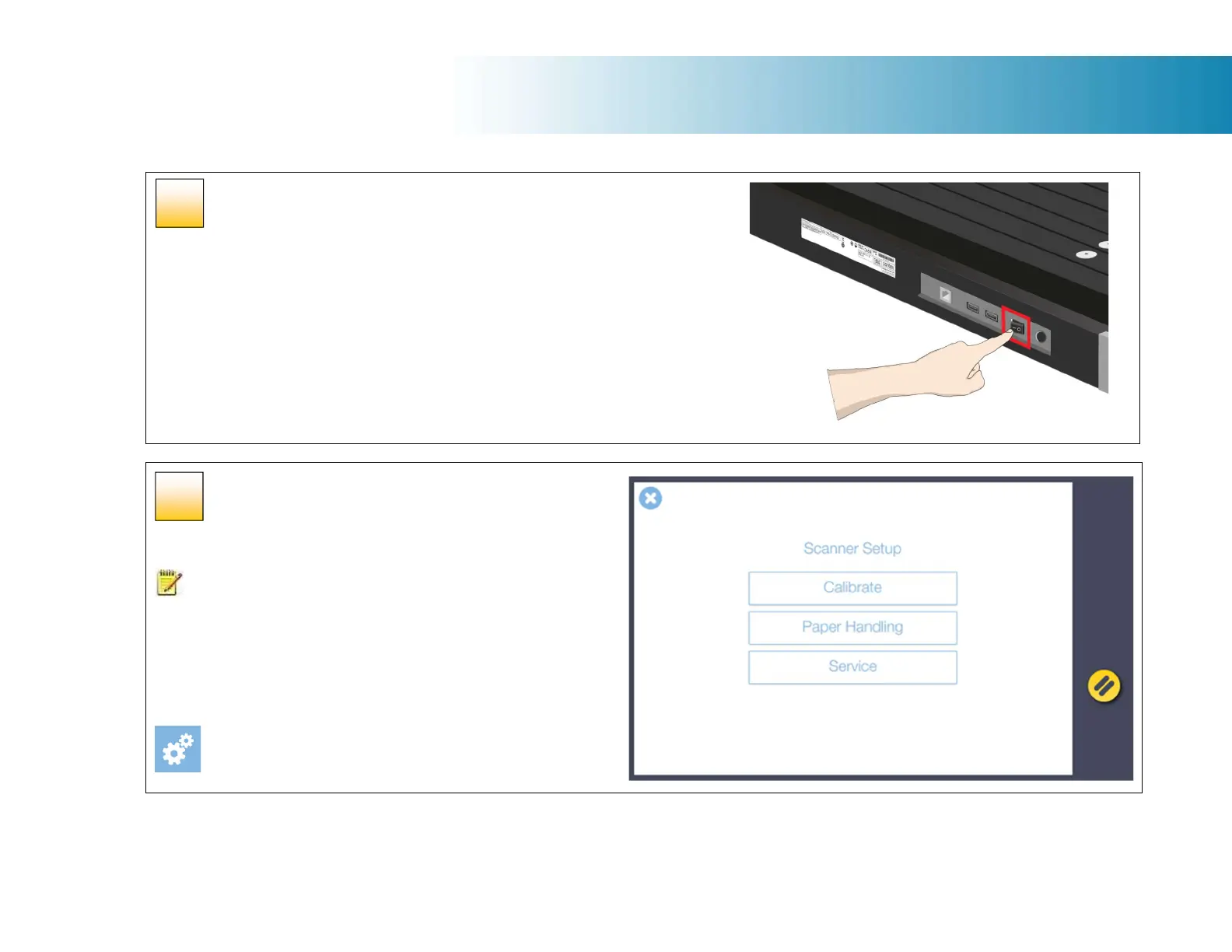
Turn ON scanner power
Turn ON the scanner power switch on the back of the scanner by moving the switch
the left.
Launch the scanner calibration wizard
Ensure the scanner glass is clean. If it is dirty, clean it now to
ensure the calibration process works uniformly across the
calibration sheet.
Go to Settings on the touch screen
[Settings > Scanner > Calibrate]
48
49













 To Next Page