Scanning 35
Book scan mode
Book Scan Mode
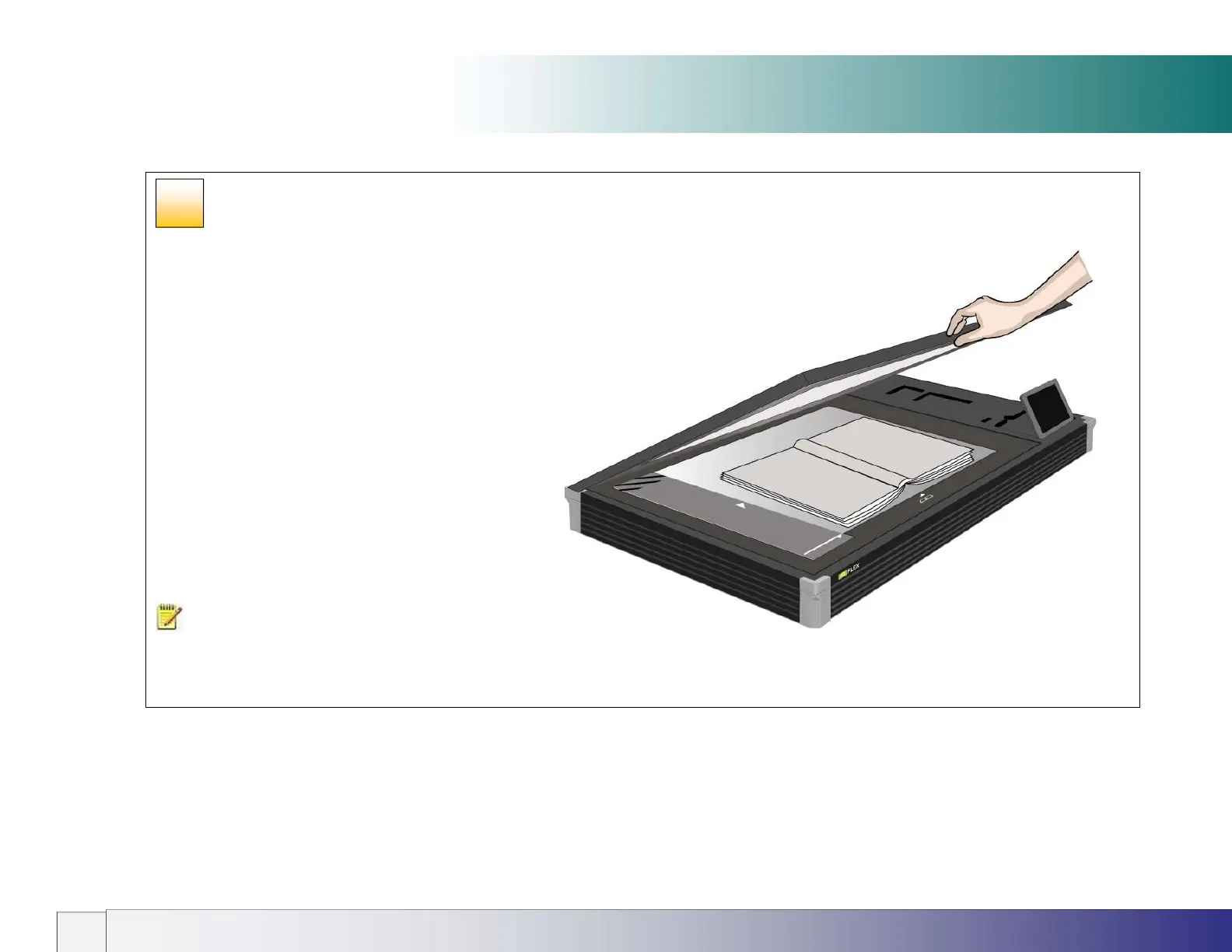
BOOK – For books and catalogues. Select the Book scan
option (standalone or using Nextimage software option).
Automatic book size detection requires Nextimage software
option. For more details see the book positioning section later
in this guide.
NOTE: Books must be placed face-down on the scan glass
with the spine in line with the book icon and the lid closed before
scanning is started.
27













 To Next Page