Scanning 46
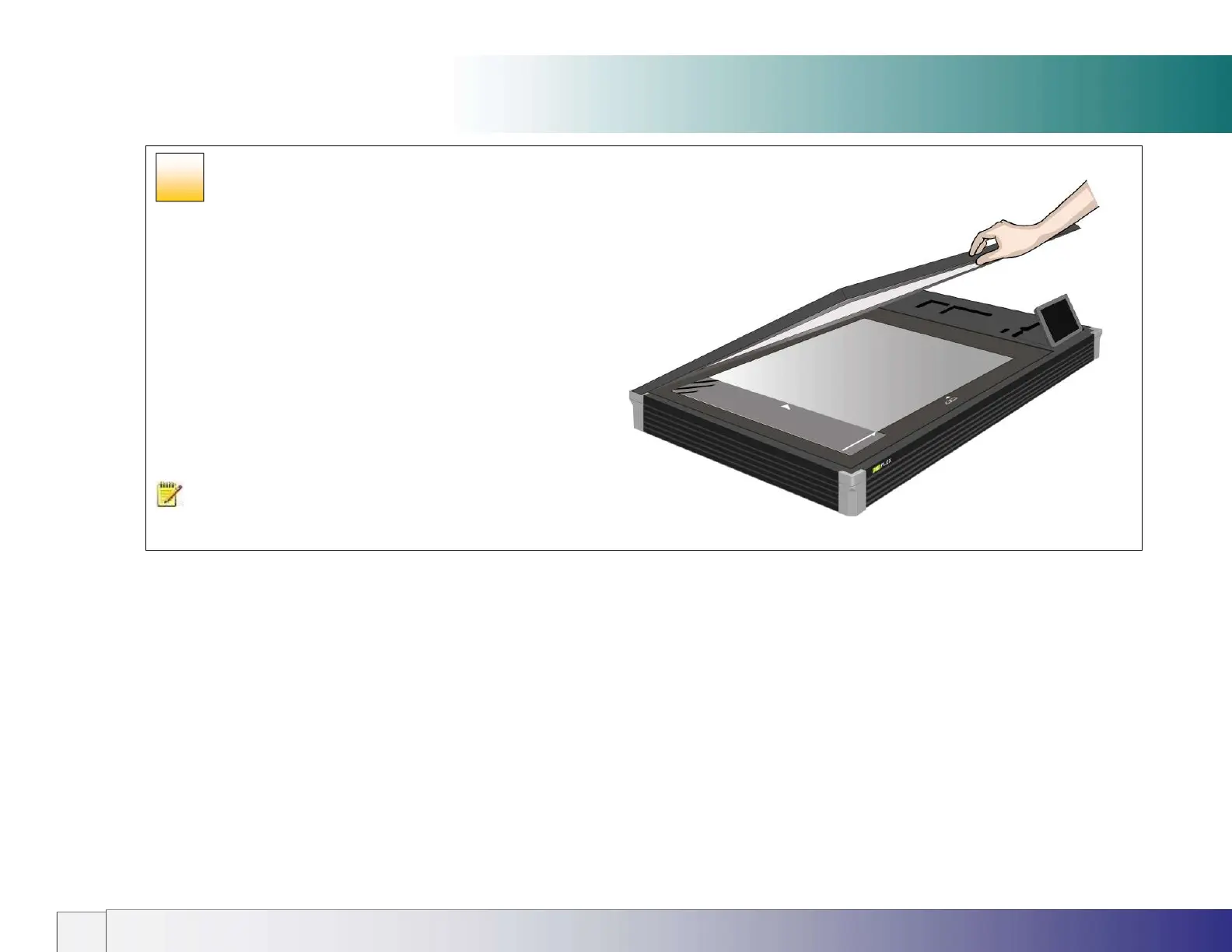
Closing the lid
Carefully close the lid over the document without disturbing its position
and alignment.
NOTE: Thick documents will probaly require the lid height to be
adjusted. See the Lid Adjustment section earlier in this guide.
Further notes about input size
The Input size defines the scan area. Enter the input size in your application’s input size dialogs.
3 ways to set find and set the input size:
1. Use automatic size detection - The scanner will detect the edges of the document and calculate the input size for you.
2. Set a standard size - common standard sizes are marked on the left side of the scan area at the scanner alignment bar. Use these markings to determine
which standard size matches the original and then select that size in the application’s input size dialog.
3. Set the size manually for irregular sizes. To measure your document - use the scanner’s ruler on the edge of the scanning area. Enter your width
measurement in the width setting field in your application’s input size setup dialog. You can measure and set a length value or choose automatic length
detection.
38













 To Next Page