Scanner Setup 14
Connecting to a local area network (LAN)
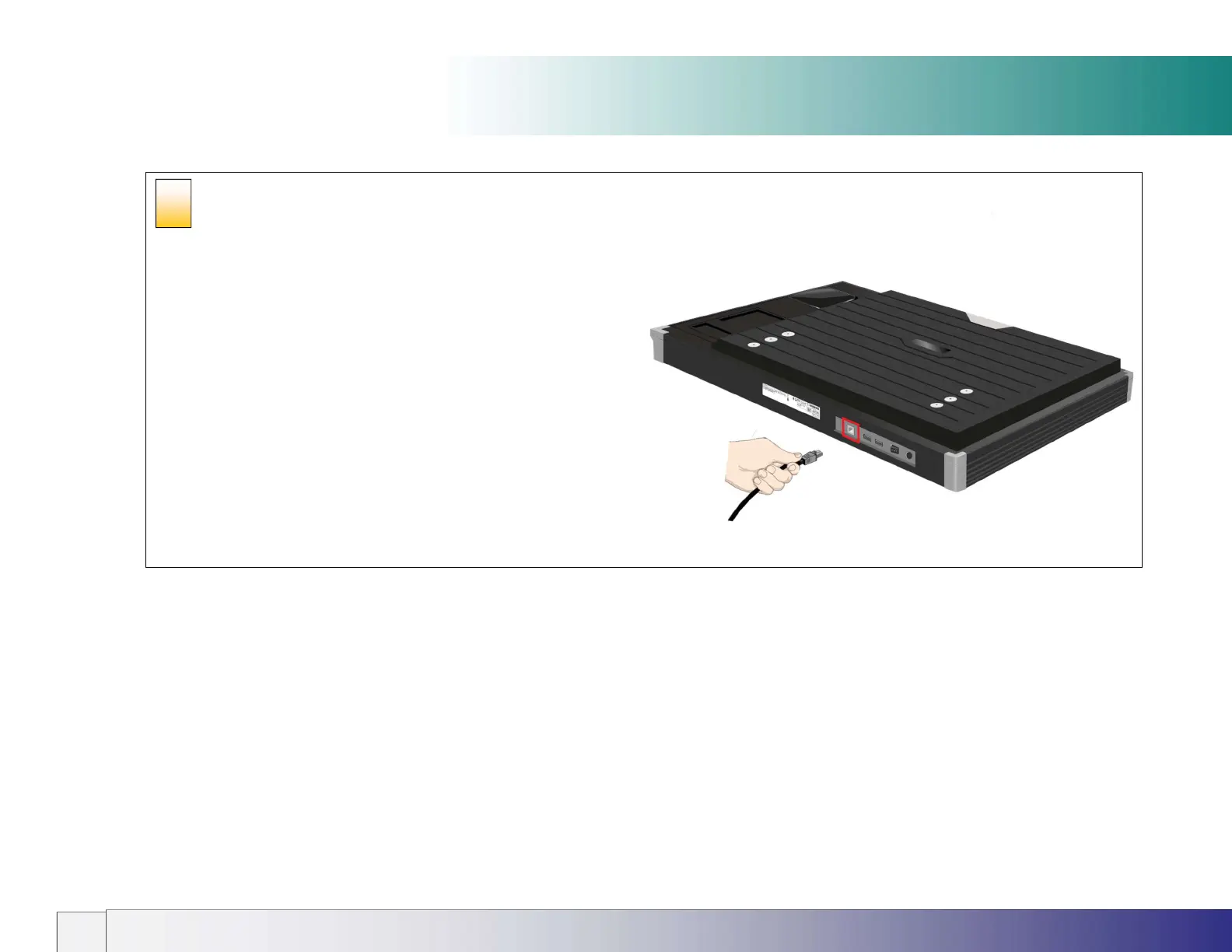
Connect to the network
Connect the scanner to the network. The network socket is on the panel
located at the back of the scanner.
The USB ports outlined in red are for maintenance and future upgrade
purposes only. These should not be used. Do not insert any cables or USB
memory drives into these sockets.
9













 To Next Page