Scanning 48
Scanning to email
Scanning to email
Send the scan to an email address.
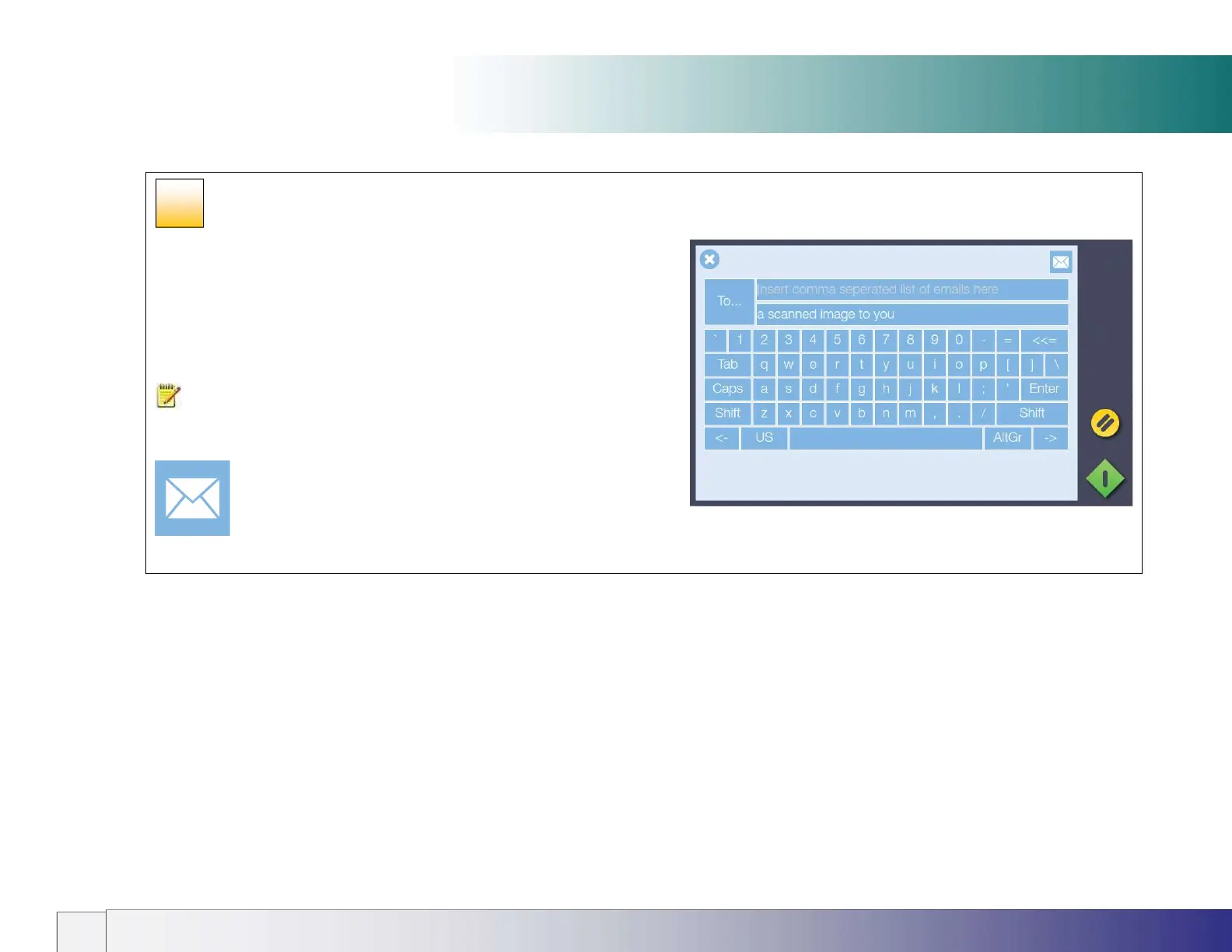
Press the email option.
Enter the target email address using the onscreen keyboard.
Choose your settings then press the scan button.
NOTE: Set up the scanner outgoing email parameters before
using this option. See section Installation - Enter your email server
settings.
40













 To Next Page