Scanner Setup 28
Secure FTP server settings
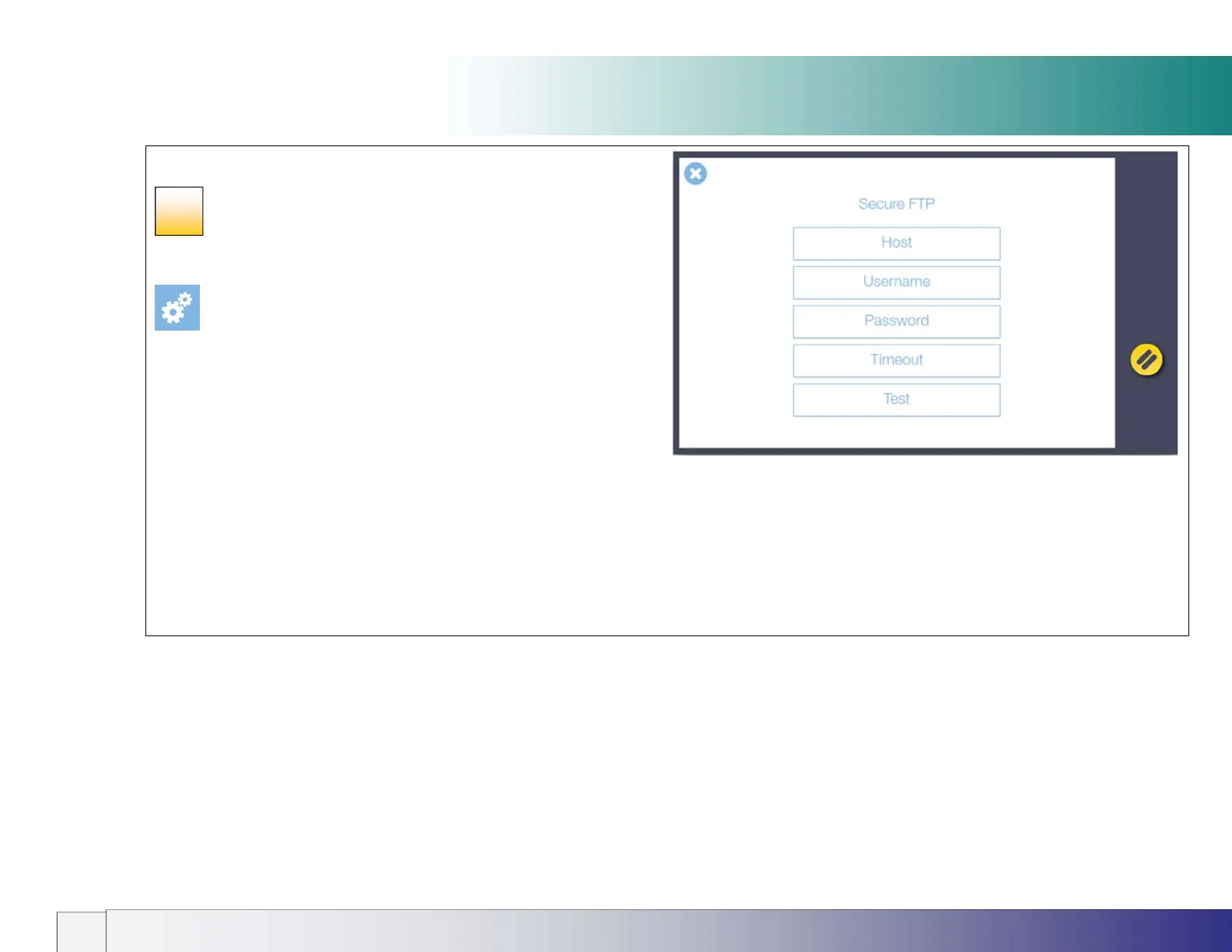
Entering Secure FTP server settings
To setup the Secure FTP server settings click on the Settings icon:
[settings > system > Secure FTP]
Contact your IT administrator if you don’t know the exact settings.
Enter your details to have scans sent directly to a secure FTP server :
1. Host (server name) – Address of the server (e.g. sftp.example.com)
(port number is fixed 22).
2. Username and Password - for the target Secure FTP server.
3. Timeout – Set a timeout for the connection in seconds
(Default is 10 seconds)
4. Test - checks the Secure FTP settings entered above.
23













 To Next Page