Maintenance 70
Replacing the white background platen
Replacing a worn white background platen
The white background platen of the scanner can become worn and discolored
after long periods or very heavy use. A replacement fresh white background
platen can be obtained from your dealer as a purchased consumable item.
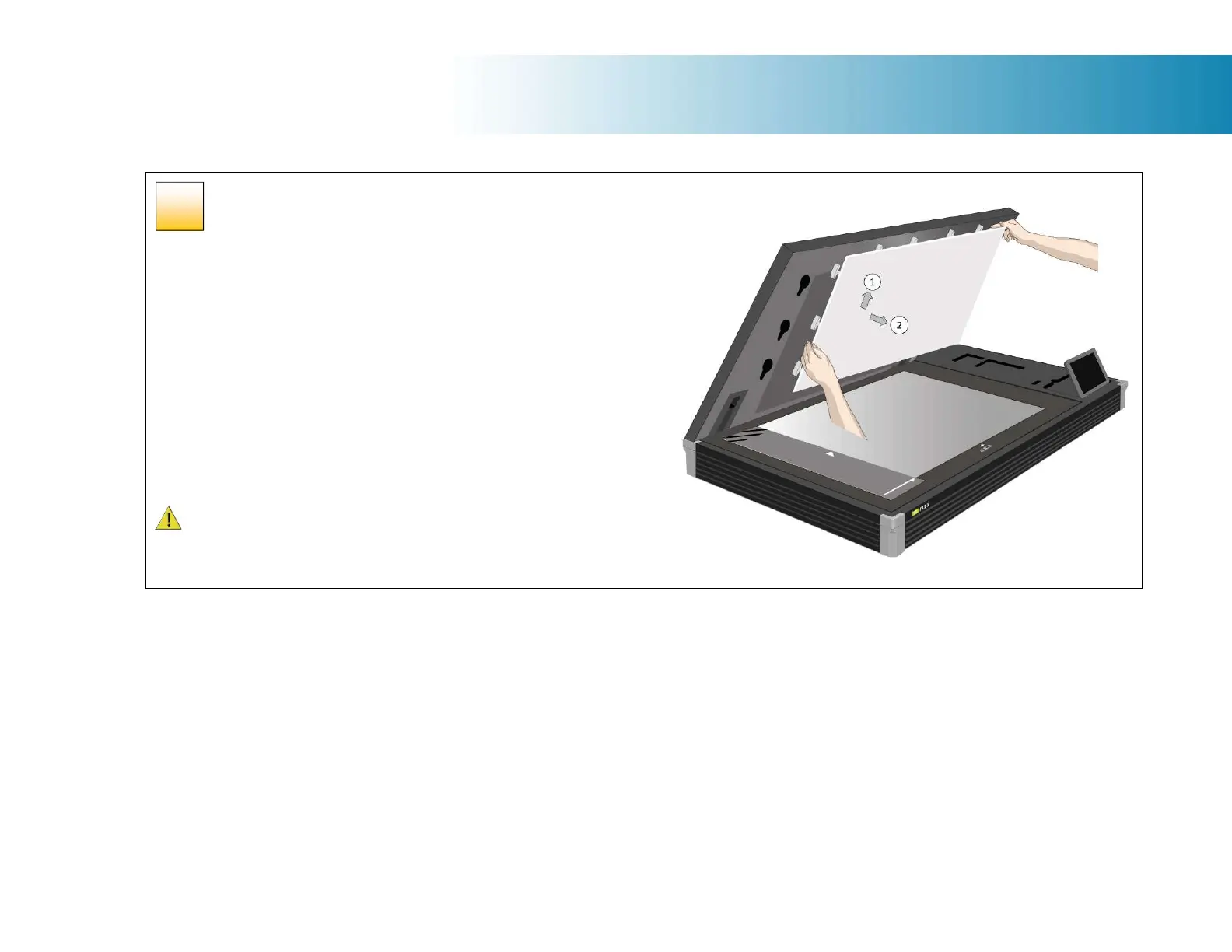
The background pressure platen is located using 17 key-hole locating pegs.
First raise the lid of the scanner.
1. With two hands take the platen and gently lift it up roughly 5mm (0.2”)
so that the pegs line up with the holes
2. Now lift the platen forward and clear of the scanner taking care not to
drop it onto or scratch the scanner glass.
3. Refitting is the reversal of removal
Caution: We recommend placing a piece of card or paper over the scanner
glass to protect it before carrying out this process.
47













 To Next Page