Scanning 57
Black and White Validation (darken lines)
Preview, Adjust, Crop and Annotate
Black level of annotations is not affected.
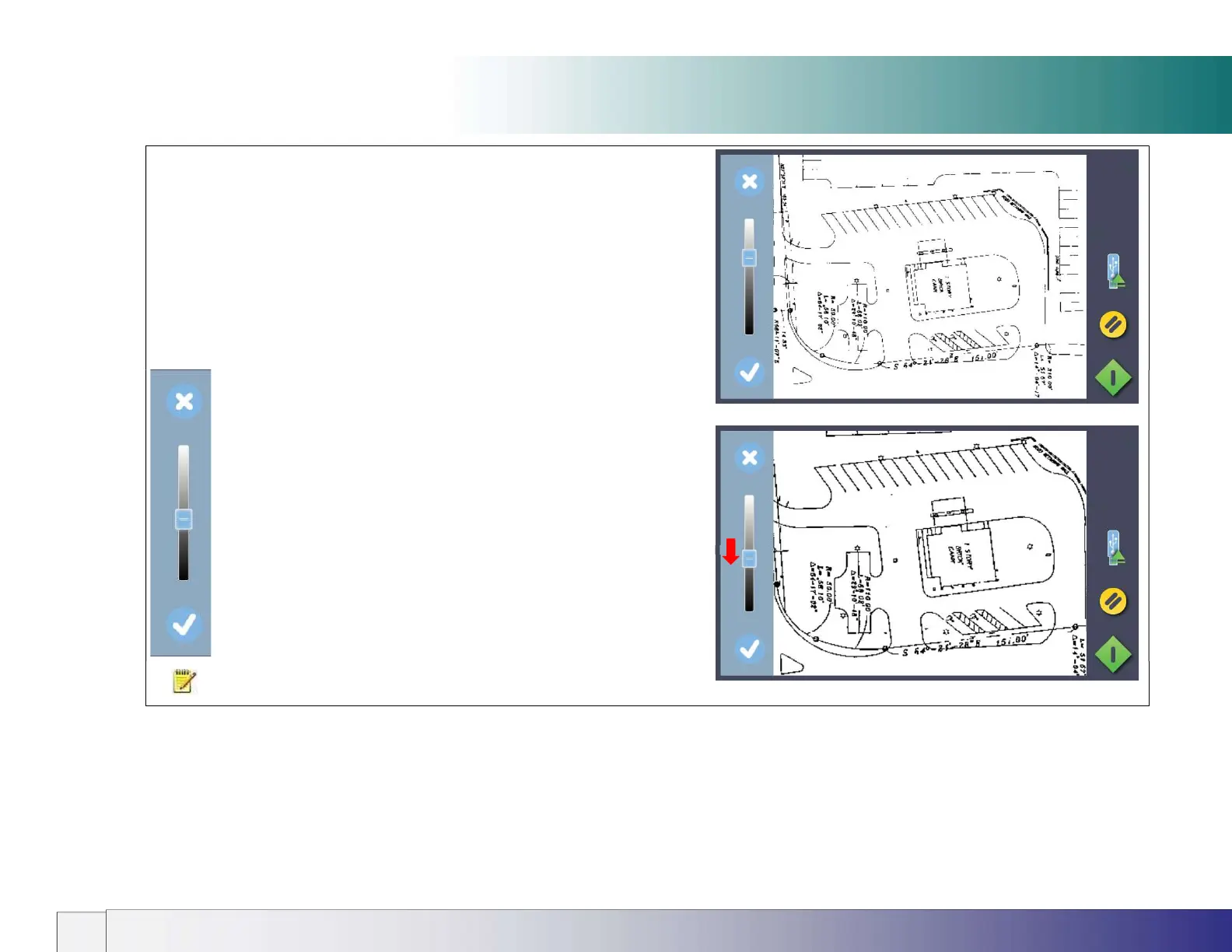
(Above) Adjust Screen showing weak black line density
Adjust Screen showing stronger black line density
CANCEL brightness adjustment
Moving slider down DISPLAYS MORE BLACK LINES.
WHITE areas are not affected
ACCEPT BRIGHTNESS CHANGES and return to Validation screen
NOTE: Pressing the green button stores any validation edits permanently into
the scan file. Changes cannot be reversed after leaving the validate screen.













 To Next Page