Scanning 36
Adjusting the lid for thick originals
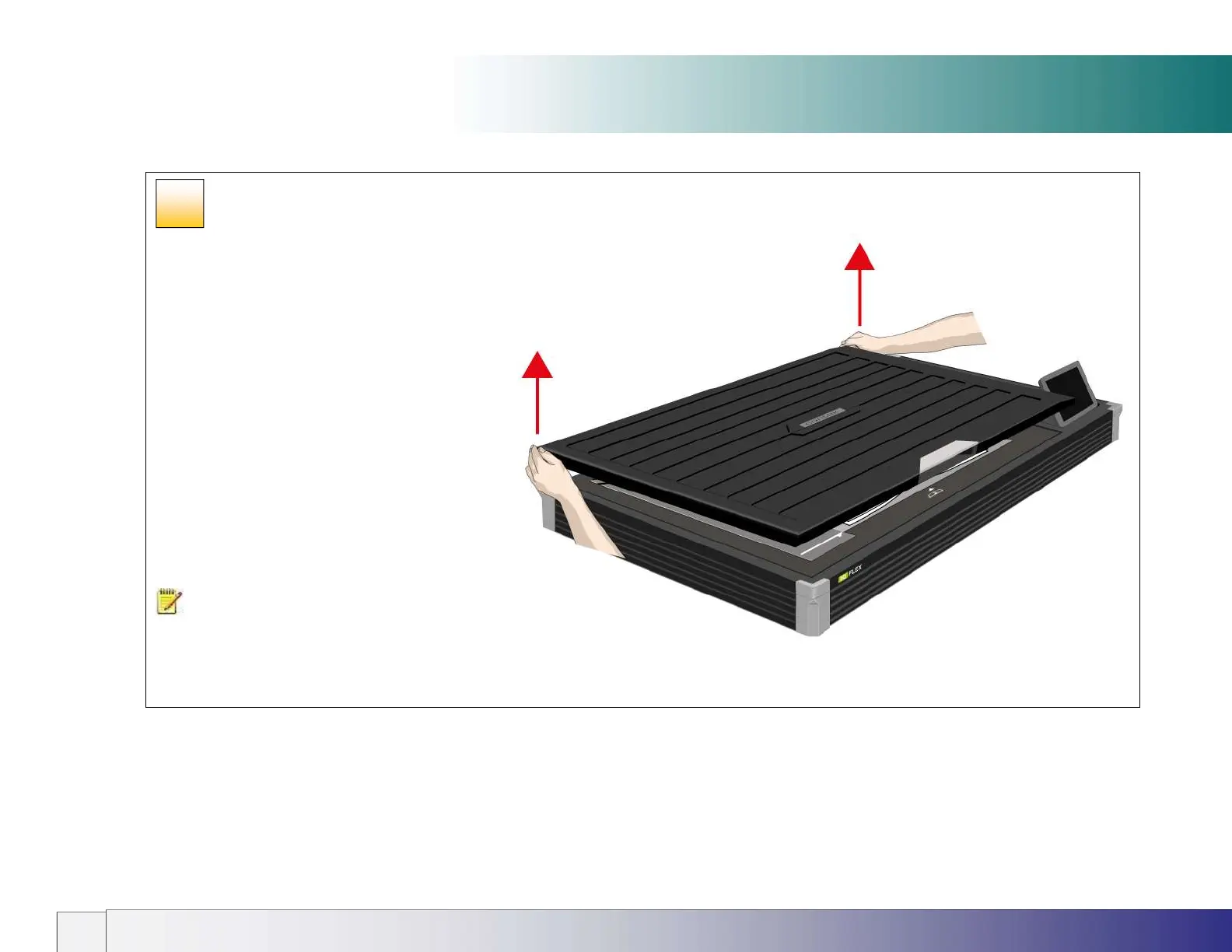
Raising the Scanner Lid
For thick books and originals it may be necessary to
raise the lid to ensure the lid remains level during
scanning and prevents unwanted ambient light from
entering the scan area.
Raise the lid by lifting the lid at the rear corners near to
its hinges. You may prefer to fully open the lid into the
vertical position to do this and then lower it back down
again.
NOTE: Always remove a heavy document from the
scanner glass area after scanning and retur
normal paper position height.
28













 To Next Page