Scanning 44
Book scanning without software
Book scanning using the scanner
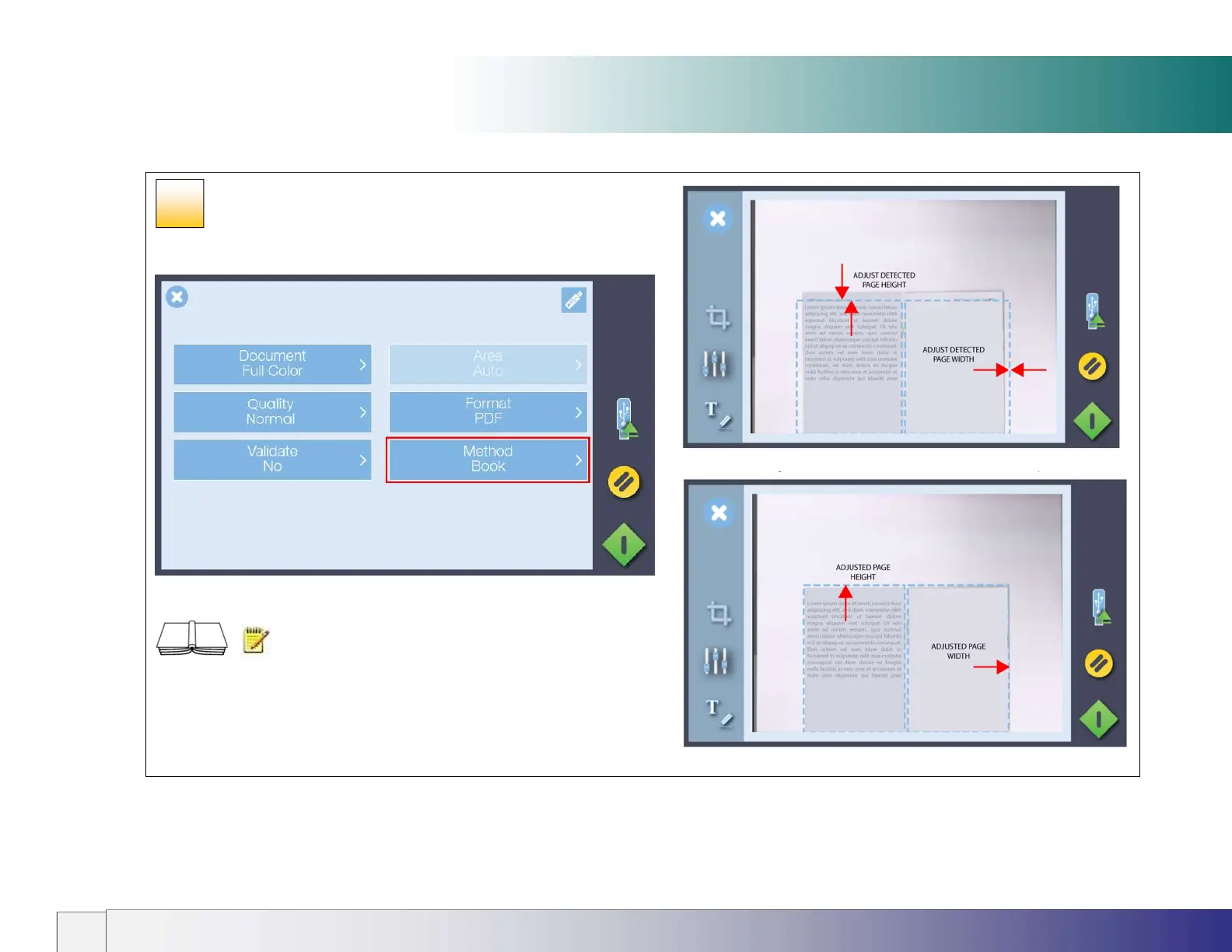
At the scan settings screen touch Method and change it to Book.
Now lower the lid and press the scan button.
NOTE: Thick books can be accommodated in the
scanner by raising the lid hinges before lowering the lid. This will ensure the
scanner white background remains parallel with the object to be scanned
and operates to prevent light from outside and spoiling the scan.
The scan will be saved to the chosen destination e.g. USB stick, network
location or cloud (requires use of Contex LINK).
Touch the margins around the book to correct them if required
Now press the green button to finish the scan
36













 To Next Page