Scanning 33
Normal scan mode
Normal Scan Mode
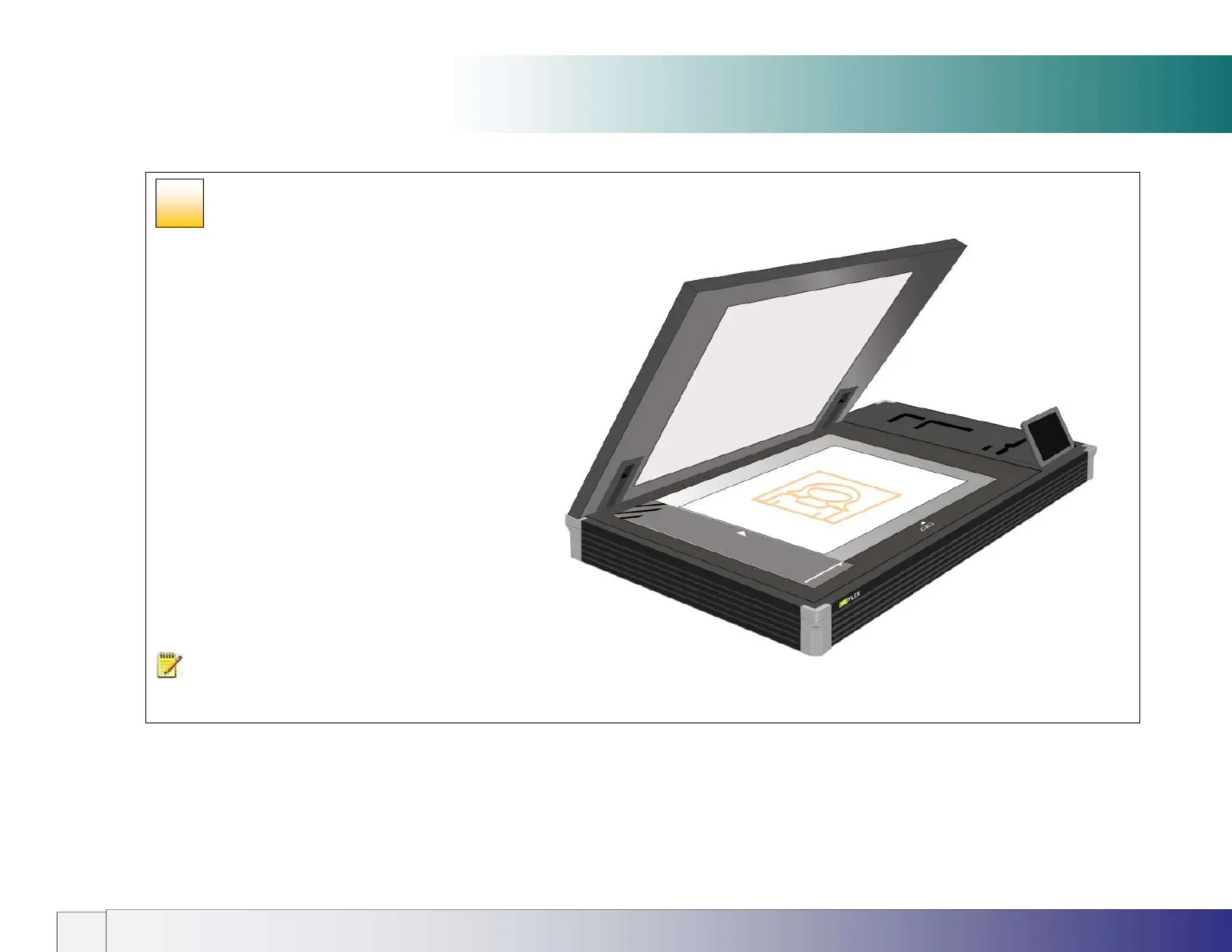
NORMAL – For scanning standard and non-standard size
documents using automatic document size detection or
manually input dimensions. Inputting exact manual paper sizes
requires Nextimage software option.
When scanning portrait oriented originals place the document
on the glass FACE DOWN with the long edge aligned parallel
to the long edge of the glass. Sizes up to A2 or C size can be
scanned in this way.
For landscape oriented originals place them on the glass as
above and rotate them using the Nextimage scan editor or…
place them short edge parallel to the long edge of the scan
glass and left justified against the ruler and select the ‘L’
Landscape paper sizes. The Oversize Wizard is used to scan
larger Landscape paper sizes – see the section on Oversize
Scanning document placement later in this guide.
NOTE: The lid should be
closed before scanning is started.
25













 To Next Page