Scanner Setup 21
Setting Date and Time
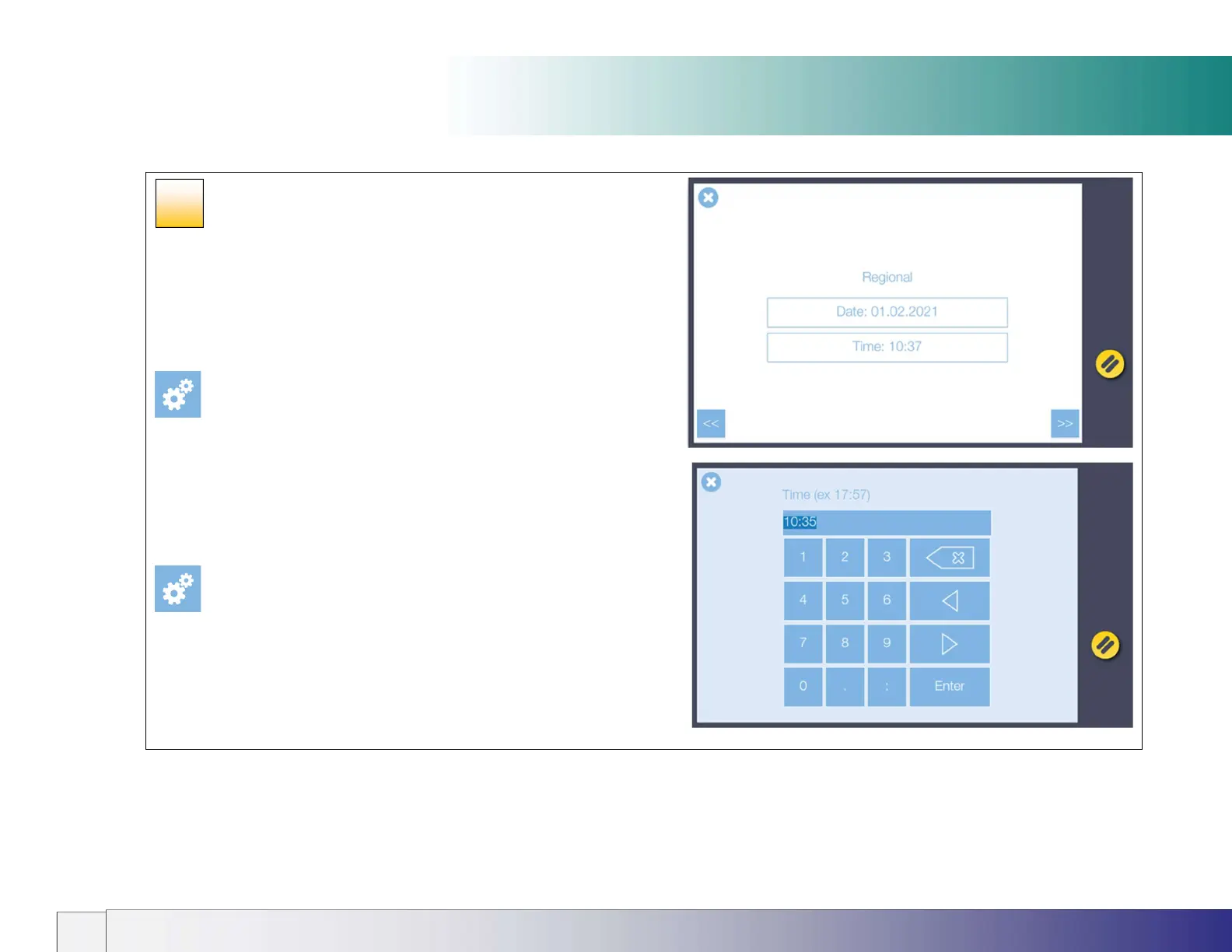
Set your region date and time
1. Set the date.
Touch the Date area onscreen to bring up the numerical touch keypad
then enter today’s date in dd.MM.yyyy (day.short-month.year) format.
Press Enter to store the value.
[Settings > System > Options > Regional]
2. Set the time.
Touch the Time area onscreen then using the numerical touch keypad
enter the time in 24-hour format. Press Enter to store the value.
[Settings > System > Options > Regional]
Press the Next button >>
17













 To Next Page