Copying 60
Copying
The basic steps of copying
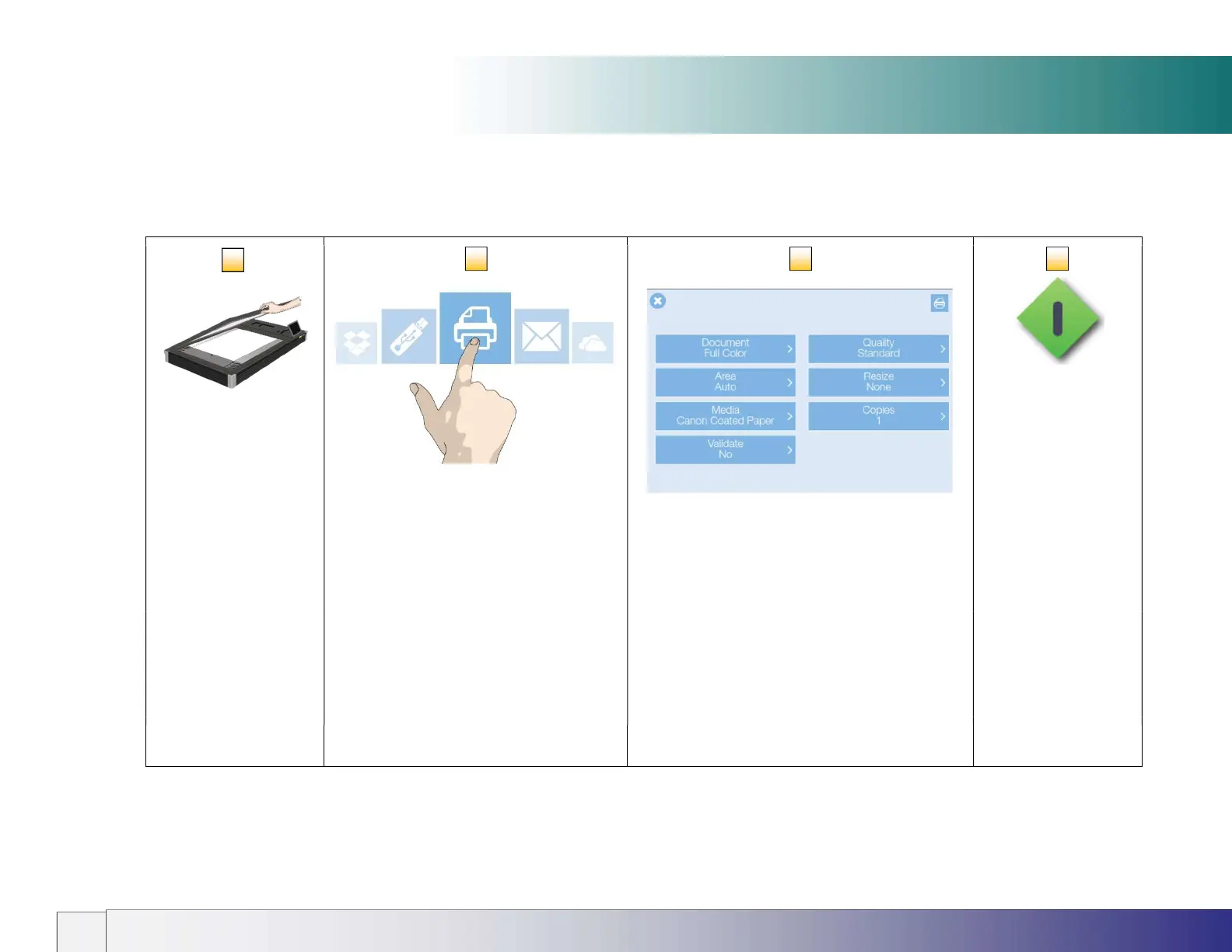
Making copies with the IQ FLEX is easy. Here’s how you make copies:
Loading a
document
Select the Copy option
Choose your copy settings Press the
button
Position the document
face down with its top
edge against the raised
alignment guide on the
left side of the scan
surface.
In order to make copies a printer and media
profile for used media must be set up in the
scanner settings.
Select document type, scan quality, file format or
press the green button and simply use the default
settings.
Press the green button
to start copying
See the section on
Loading Documents
See the section installation - Set up your
printer
See this section for details













 To Next Page