Using the Wi-Fi Connection 63
Wi-Fi – Connecting to a wireless network
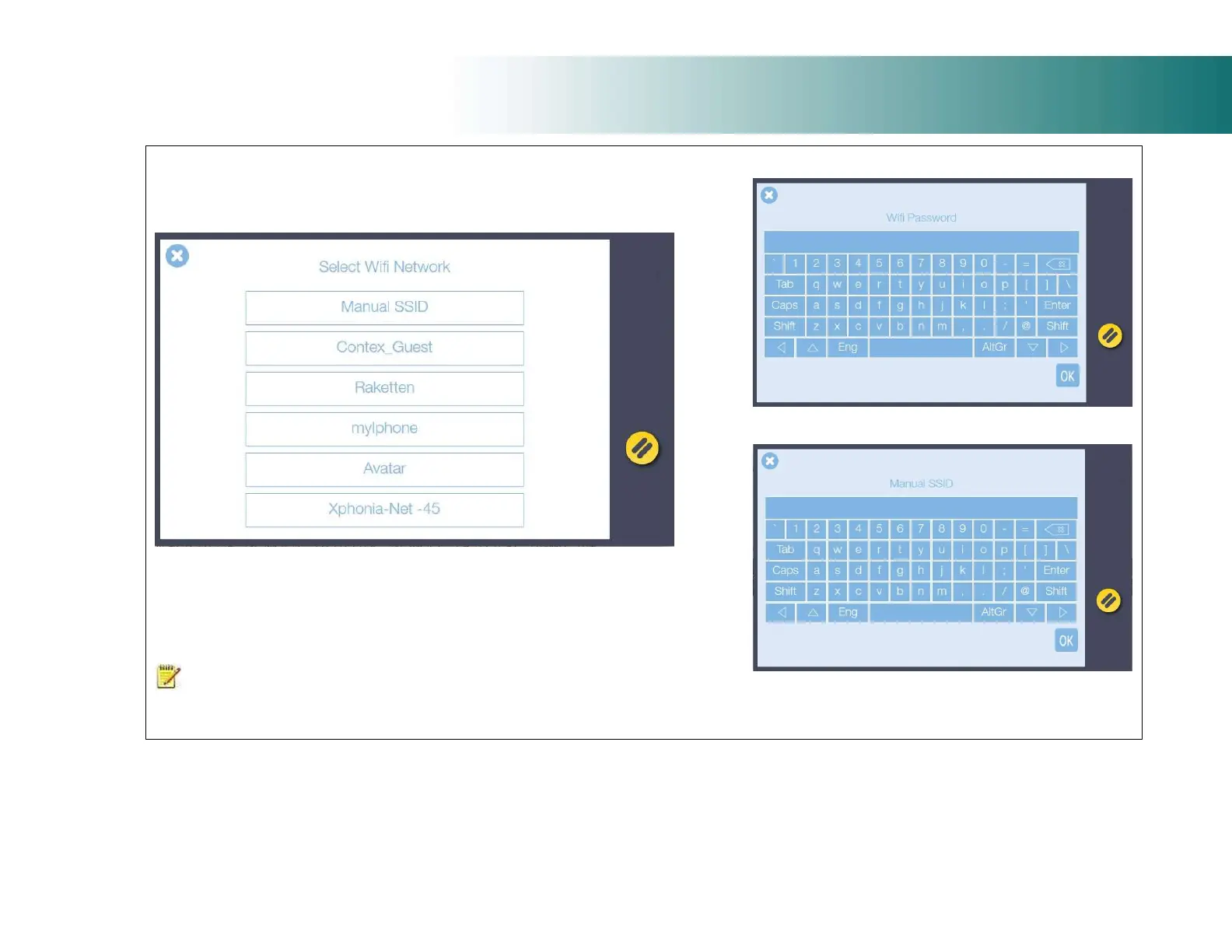
The scanner will show the wireless networks that are in wireless range of the
scanner. Select the wireless network you wish to attach to.
For hidden networks where the SSID (Service Set Identifier) is known but not visible
it can be typed in manually using the Manual SSID option.
A password can be used to prevent unauthorised scanner connection to a wireless
network. Leave the password line blank and press OK if you do not want to use this
option.
NOTE: After inserting the Wi-Fi dongle it can take up to 2 minutes for the scanner to fully
detect all available networks and for them to be displayed. Hidden SSID networks are not
supported.
Wi-Fi password screen
Manual SSID input screen













 To Next Page