Scanner Setup 25
Activating the scanner (online method)
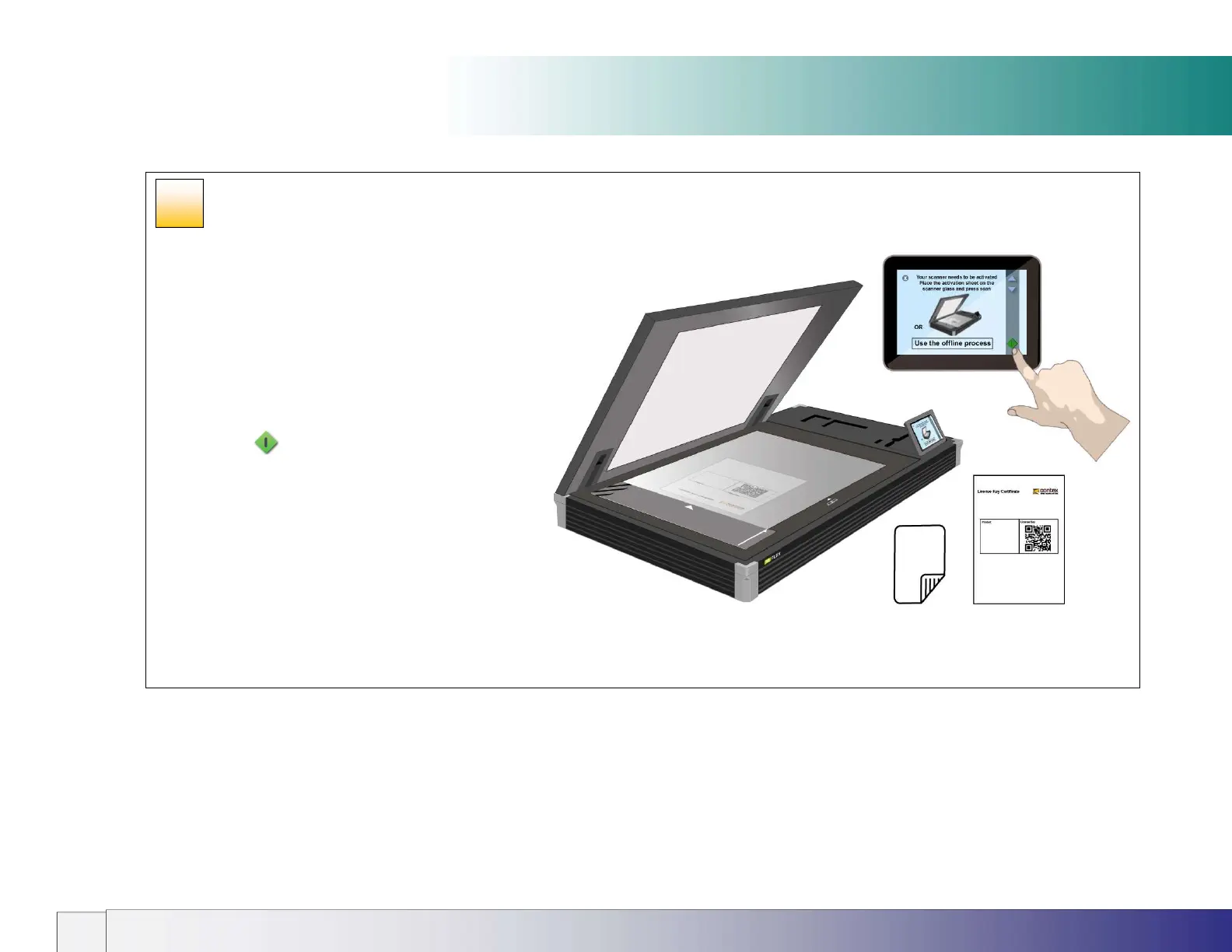
Activating an online scanner
You must activate your scanner with its license key before it
can be used. The easiest way it do this is by connecting the
scanner to the internet through its network connection.
1. Make sure your scanner is connected to the network
which can get to the internet.
2. Locate your License Key Certificate. The license
key is in the QR code and will be read by the
scanner.
3. Load the sheet in the scanner and press the scan
button to activate the scanner
4. If the License Key Certificate fails to activate the
scanner use the offline option instead and manually
type in the license key.
THE SCANNER SYSTEM IS NOW ACTIVATED
20













 To Next Page