Maintenance 73
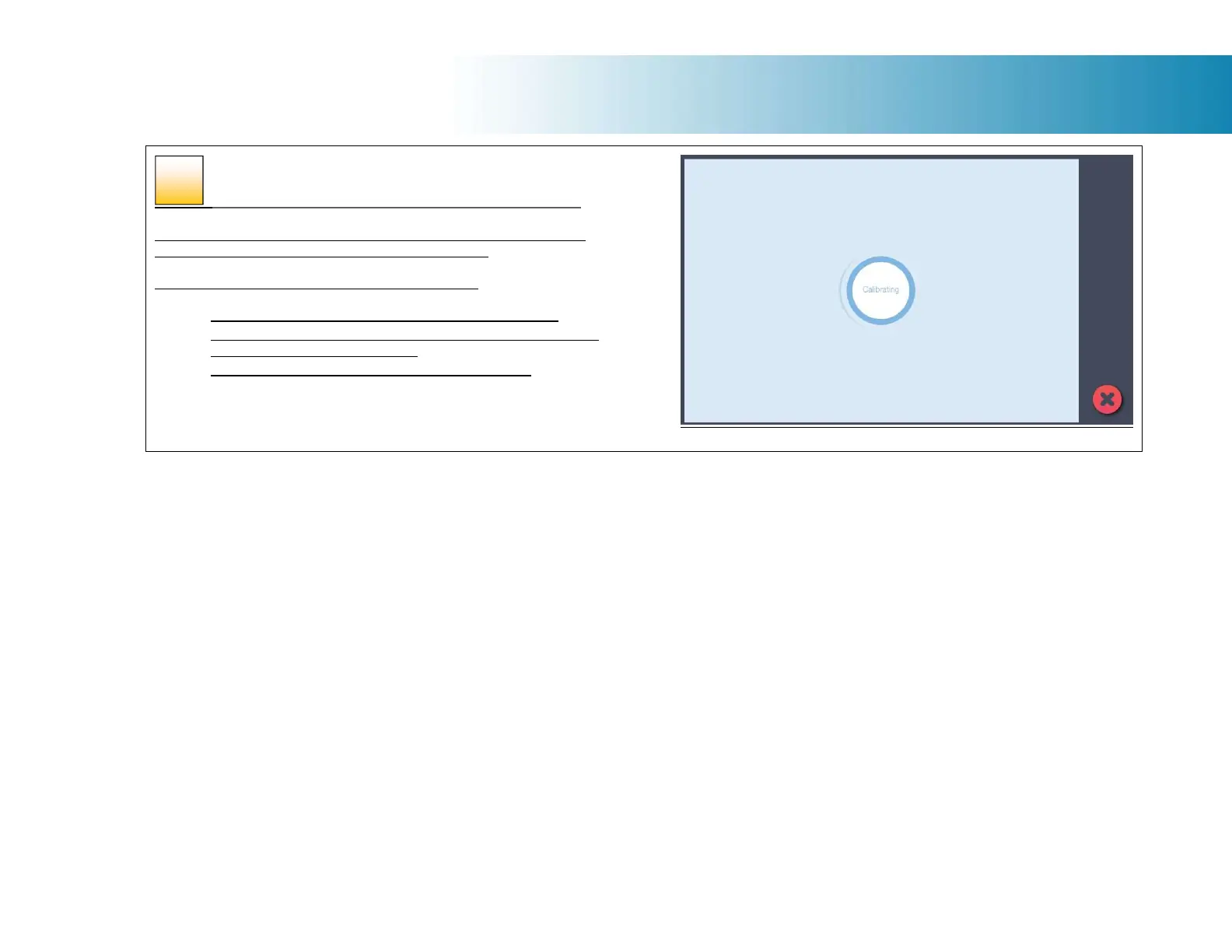
The program calibrates the scanner
The program works to calibrate black and white and color values. The
calibration sheet will be rescanned a number of times.
The wizard will tell you when the process is finished.
1. Remove the scanner calibration sheet from the scanner.
2. Return the scanner calibration sheet to its protective cover and
then place it in the storage folder.
3. Store the folder in a dry place and out of direct light.
51













 To Next Page