Scanner Setup 12
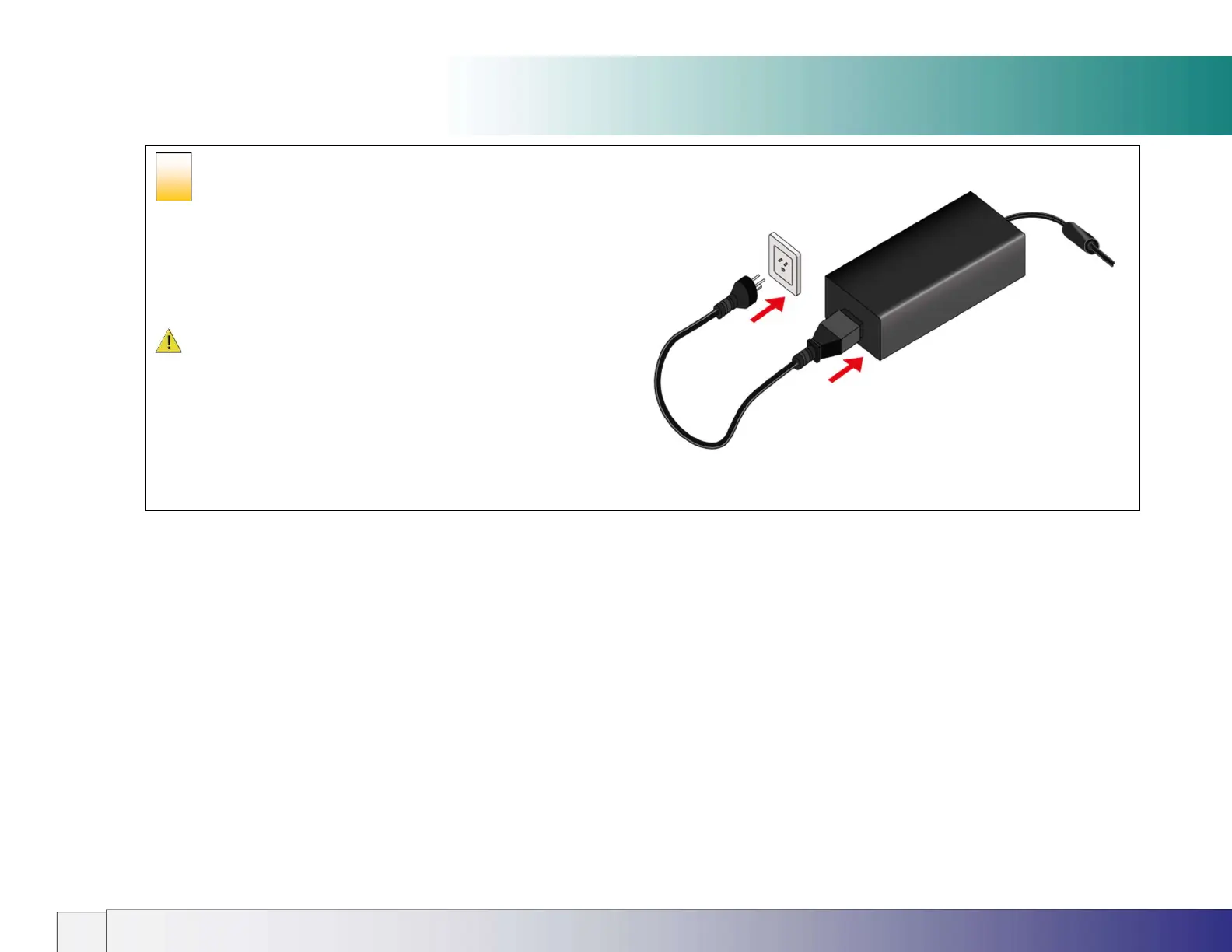
Connecting the power supply to the
power outlet
Connect the female end of the mains cable into the power supply
then connect the power plug end to a suitable power outlet.
CAUTION: The scanner is equipped with a three-wire (pin)
grounding type plug. If you cannot insert the plug into your outlet it
means your outlet is not earthed. Contact your electrician to
replace the outlet with a grounded power connection or use a
different earthed outlet. Do not try to defeat or ignore the purpose
of the grounding-type plug.
7













 To Next Page