Troubleshooting 77
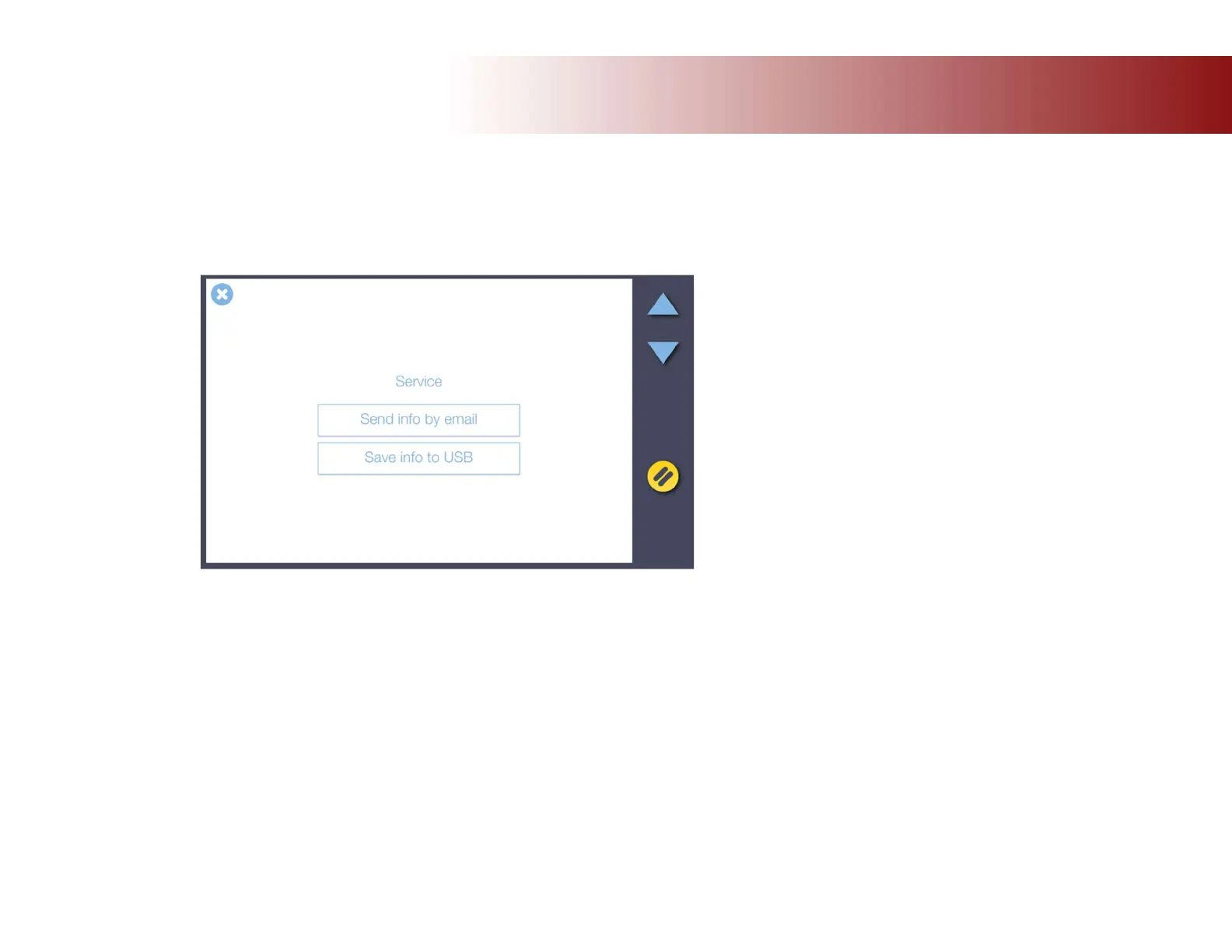
Now select your method for saving or sending the log files:
Select Send info by email to send log files to your service provider. This requires that the outgoing email server settings are applied and your
scanning is running. See section Installation for details.
Choose Save info to USB to copy the log files to a USB key. You will need to insert the USB key into the socket provided on the top of the
scanner.
Send or save the scanner log files. These will help your service technician locate
and solve the problem.













 To Next Page