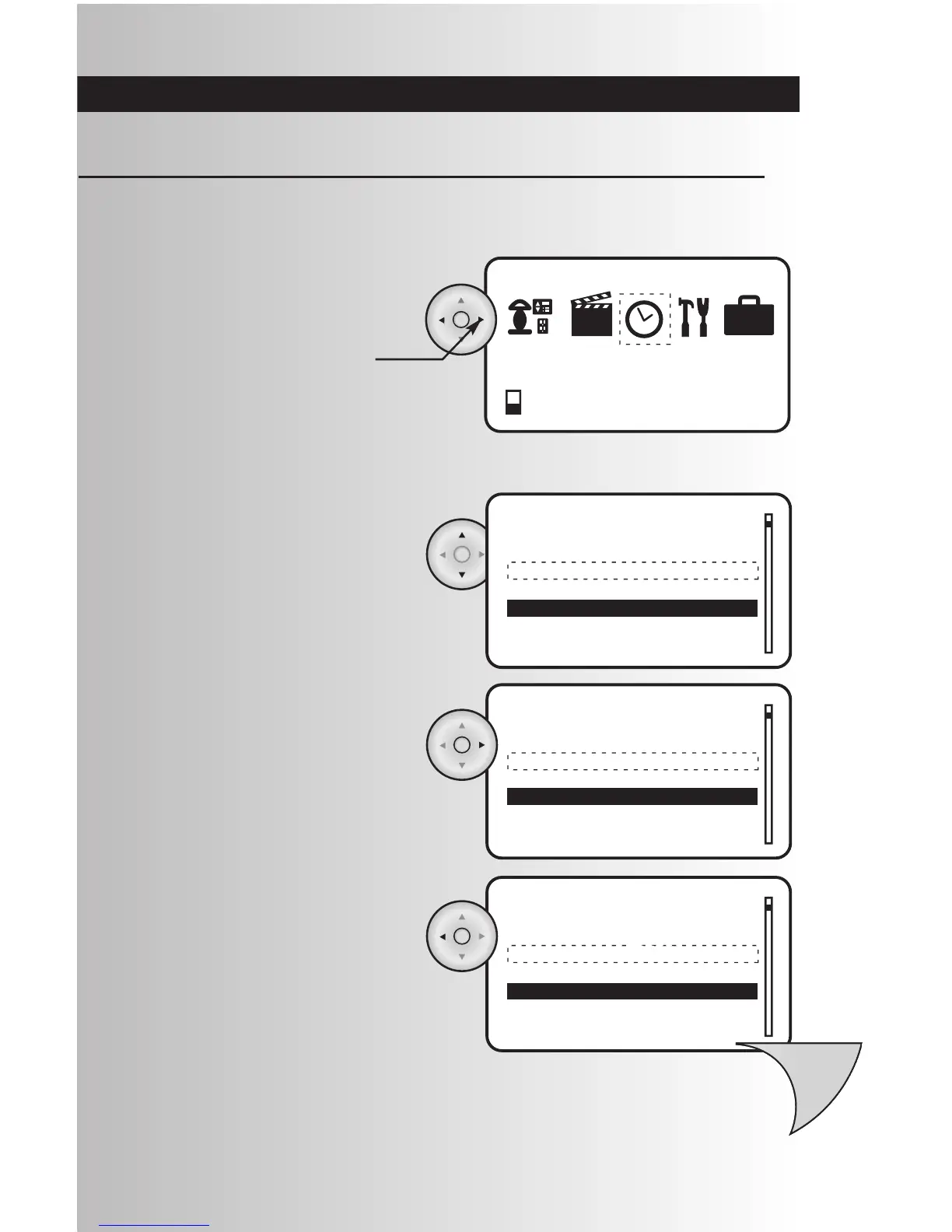
• To go to a menu item from a list, use the up
and down arrows to scroll and highlight your
choice. If you are at the top of a list, you can
use the up arrow to jump to the bottom of the
list.
Navigate Menu Screens
• To select the menu item you highlighted, go
to the menu item you selected, press the OK
button located at the center of the arrow pad
or press the right arrow.
• To exit to a menu screen and return to the
previous menu, press the Back button or
press the left arrow.
• To highlight a menu icon, use the left and
right arrows to highlight your choice.
• To select your entry, press the OK button
located at the center of the arrow pad.
You can easily navigate through the menu screens on your controllers. Here are some tips to help you
become familiar with the system. Note: Data will be lost for current operation if a button is not pressed on
the controller within 60 seconds.



 To Next Page