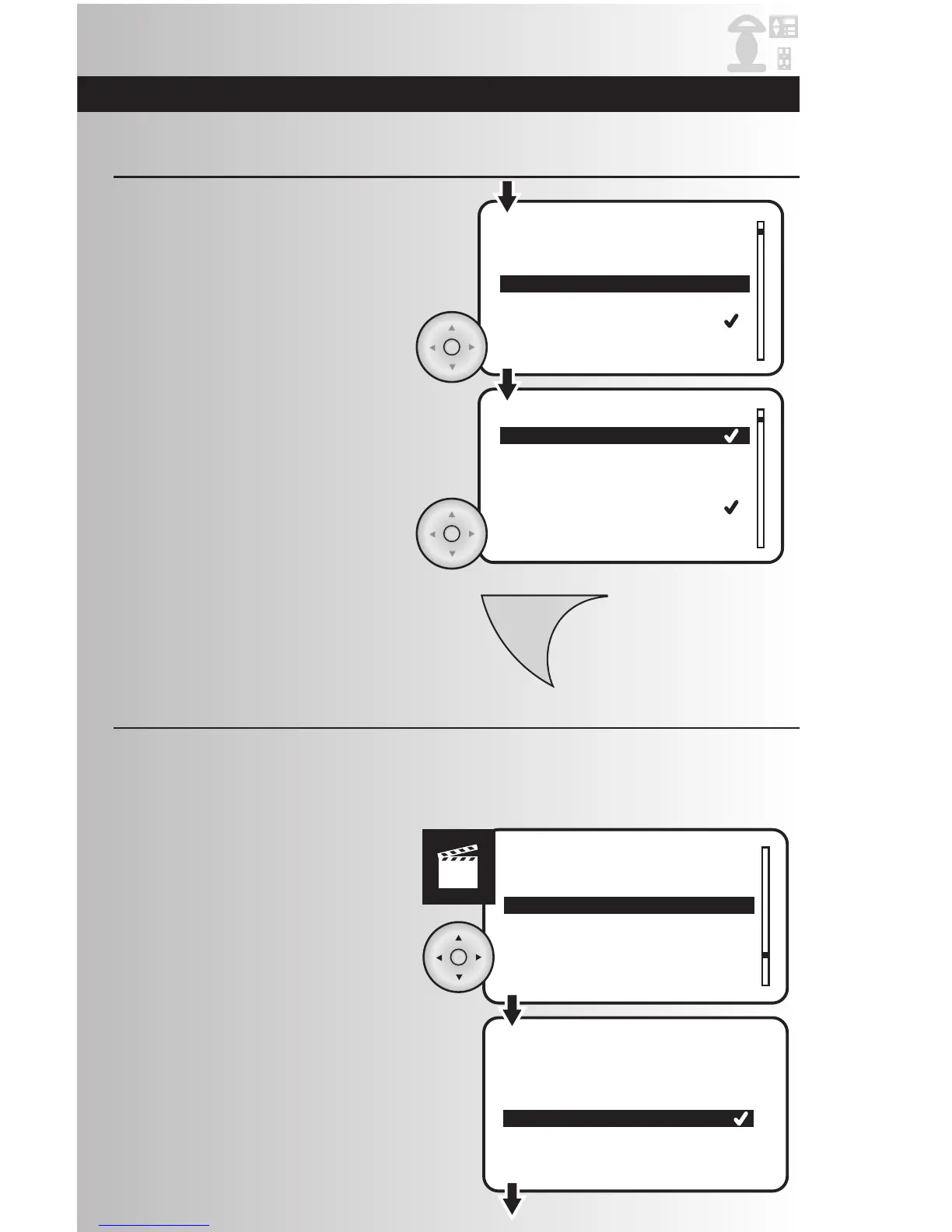
3. To remove a device from the panic group,
highlight the device and press the OK button.
The checkmark will be removed.
• To add a device to the panic group, highlight
the device and press the OK button. A
checkmark will appear next to the device.
4. To save changes, press the Menu button.
Hide Devices
The “Hide” function allows a user to customize a particular Hand Held or Tabletop controller, such that
some devices included in the network are not displayed on the device list. The hiding of devices may be
preferred if control of those devices is not desired from that controller. The hiding of devices does not
remove them from the network, but rather only removes them from being visible on that controller.
1. Select “Hide” option from the Devices
menu. Press the OK button.
2. Select the location within the home that
you would like to hide devices.



 To Next Page