EasyManua.ls Logo

Cooper Aspire RF - Event Deletion and Confirmation; Deleting an Event from the System

Cooper Aspire RF
76 pages
Print Icon
To Next Page IconTo Next Page
To Previous Page IconTo Previous Page
Loading...
Create and Control Events
46
Rename
Activate All
Deactivate All
Delete
Events
Events
Events
1 Movies
2 Sports
3 Family Time
4 Dinner
1 Movies
2 Sports
3 Family Time
4 Romantic Dinner
Event deleted
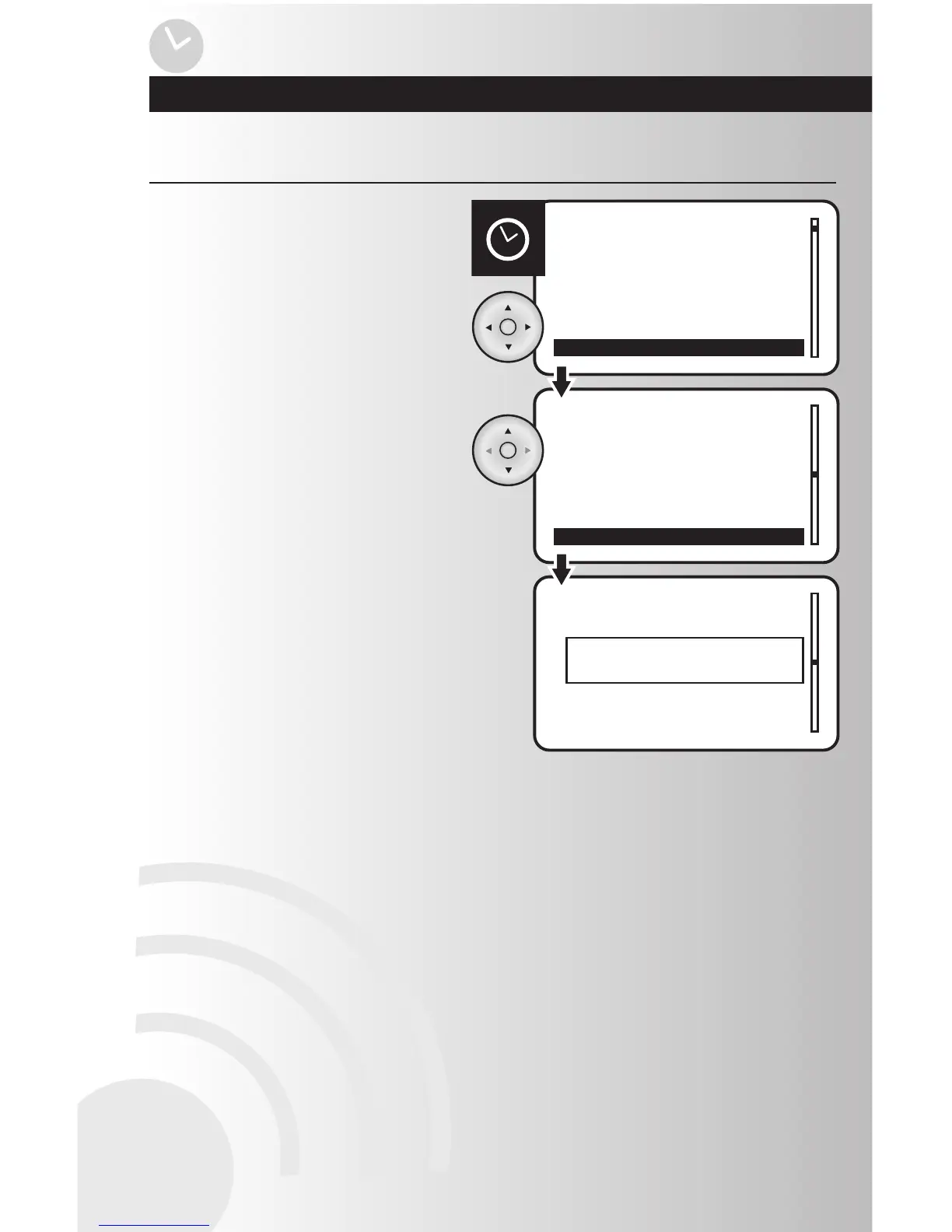
1. Select the “Delete” option from the Events
menu. Press the OK button.
Delete an Event
2. Use the up and down arrows to scroll and
highlight the event to be deleted.
Press the OK button.
3. When the event is deleted, a window will
display a message saying “Event deleted.”

Table of Contents