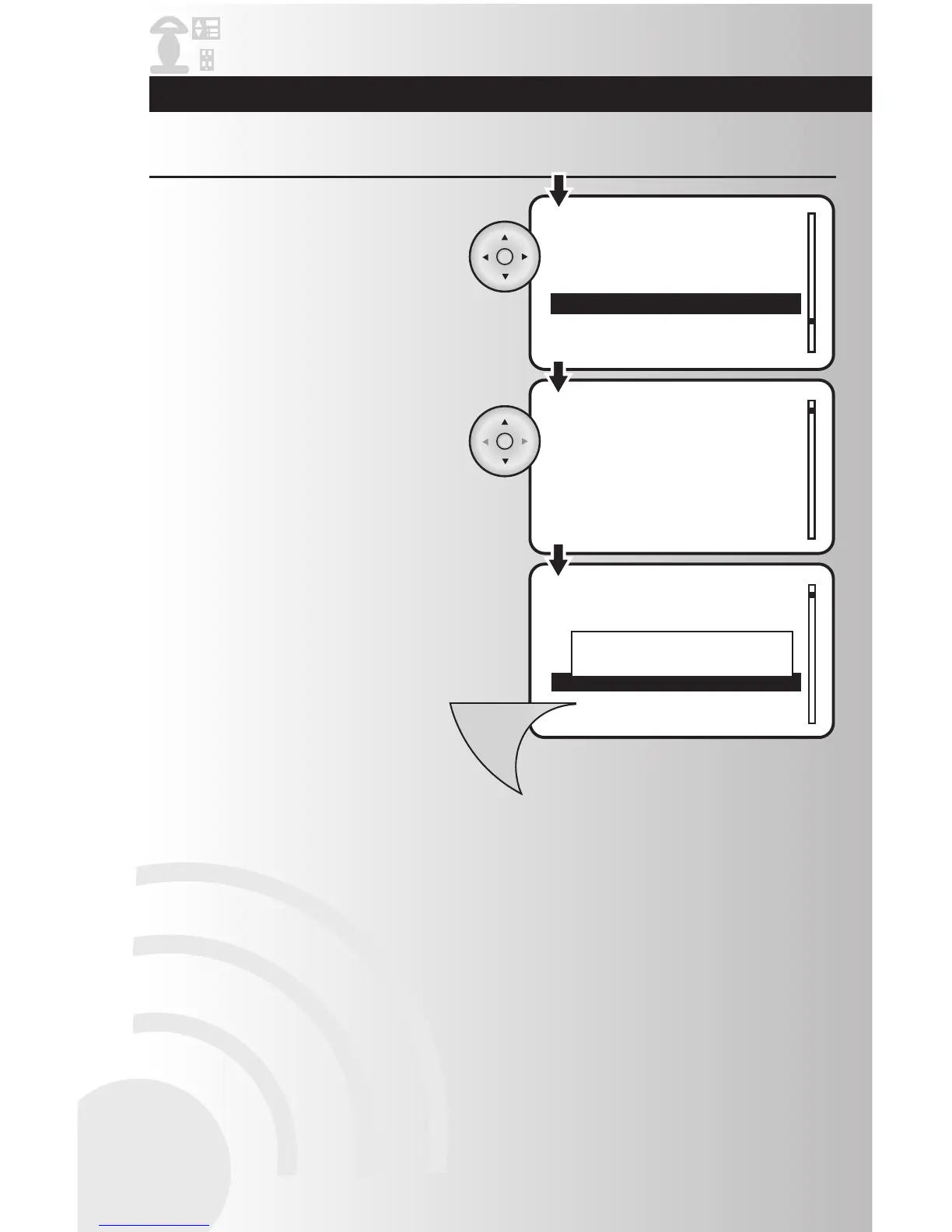
3. Using the arrow pad, highlight each number
and scroll up or down to select your ramp
time up to 4:14 seconds. Press the OK
button to select the time.
4. Press the Menu button to save the device
configuration. A window will display a
message saying “Device updated.”
Configure Ramp Time (for dimmers only) (continued)
2. Highlight “Ramp Time” and press the OK
button to select it.



 To Next Page