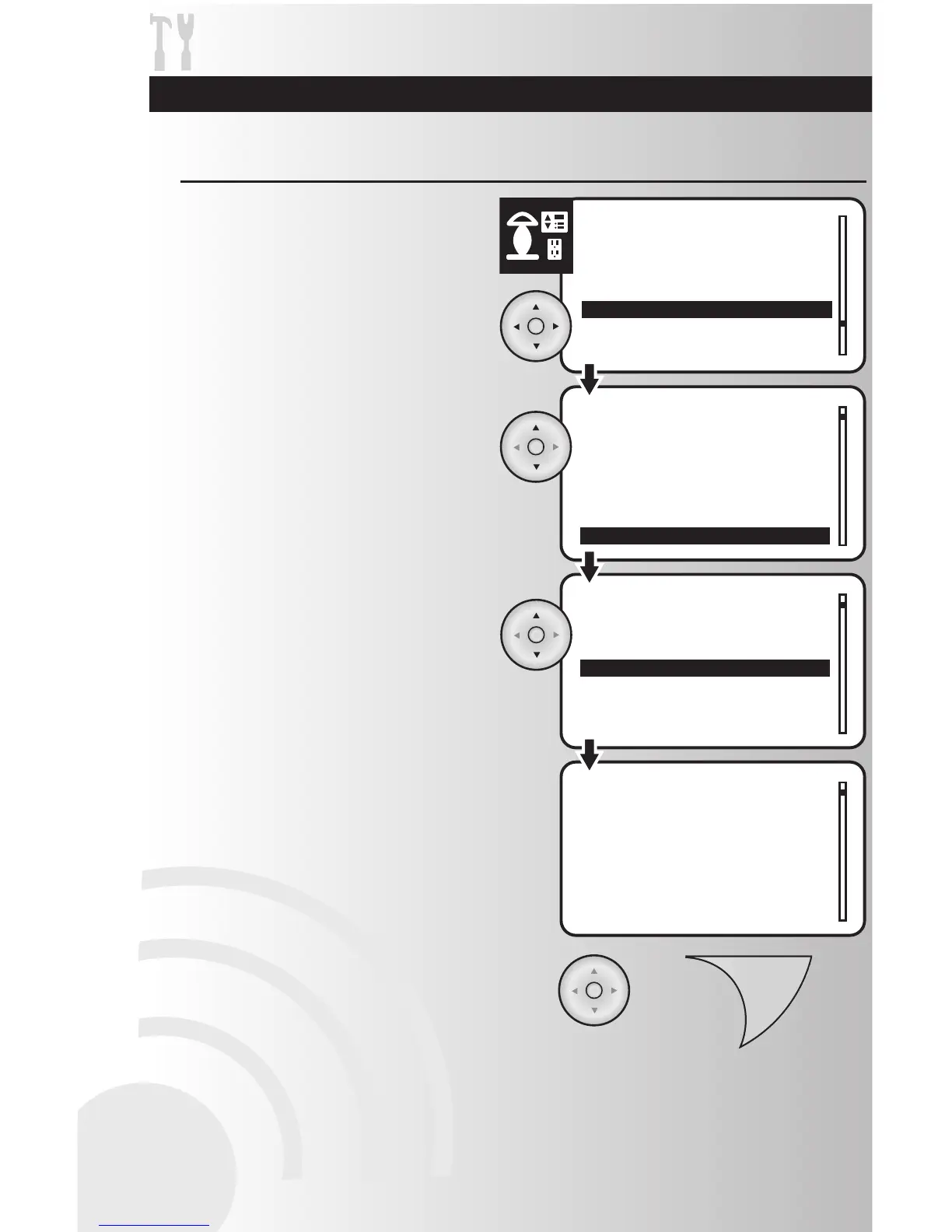
1. Select the “Version” option from the Devices
menu. Press the OK button.
Retrieve Version Information about an Individual Device
2. Use the up and down arrows to scroll and
highlight the location of the device. Press the
OK button.
3. Use the up and down arrows to scroll and
highlight the specific device. Press the OK
button.
4. View version information about the device.
Note: The numbers shown here may be
different for each device.
5. When finished, press the OK or Back button
to return to the main settings menu.
Troubleshooting Guide and Maintenance



 To Next Page