Install and Control Devices
Configure Panic On and Off Times
(for compatible products only)
18
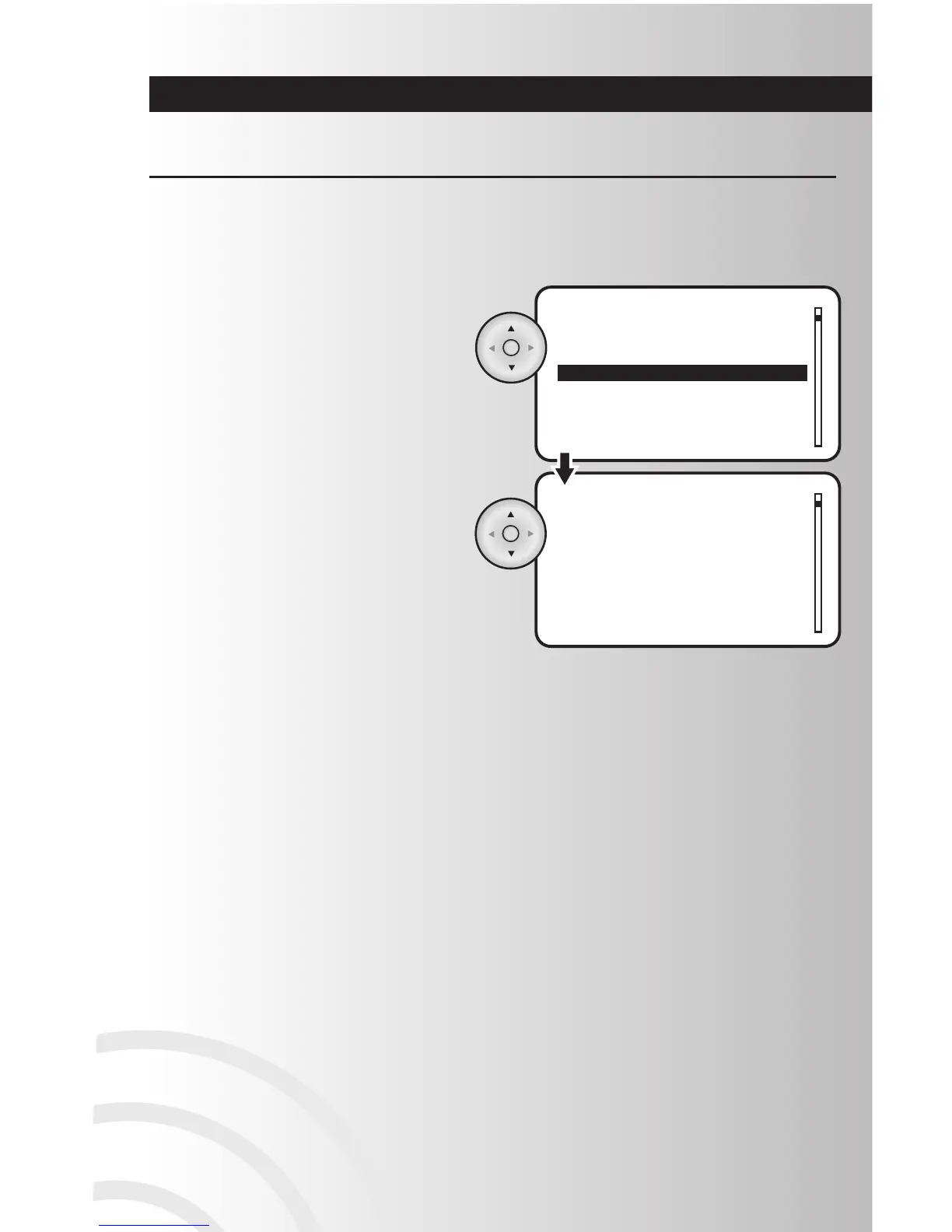
2. Using the arrow pad, highlight each number
and scroll up or down to select your panic
off time up to 04:14 seconds. Press the OK
button to select the time.
• After configuring the way a device’s Panic
On/Off timer, you must still include them in
the Panic Group. Refer to Page 28 for
instructions.
1. Highlight “Panic Off Time” or “Panic On
TIme” and press the OK button to select it.
Panic mode allows the user to trigger a group of devices to turn off and on in a pattern that attracts
attention. You can customize the devices you would like to come on as well as the time interval they turn
on and off. Example: You can program the overhead lights in your house to flash on for 2 seconds and off
for 1 second, attracting attention of neighbors or authorities.



 To Next Page