Install and Control Devices
17
Configure ALL ON and ALL OFF group (continued)
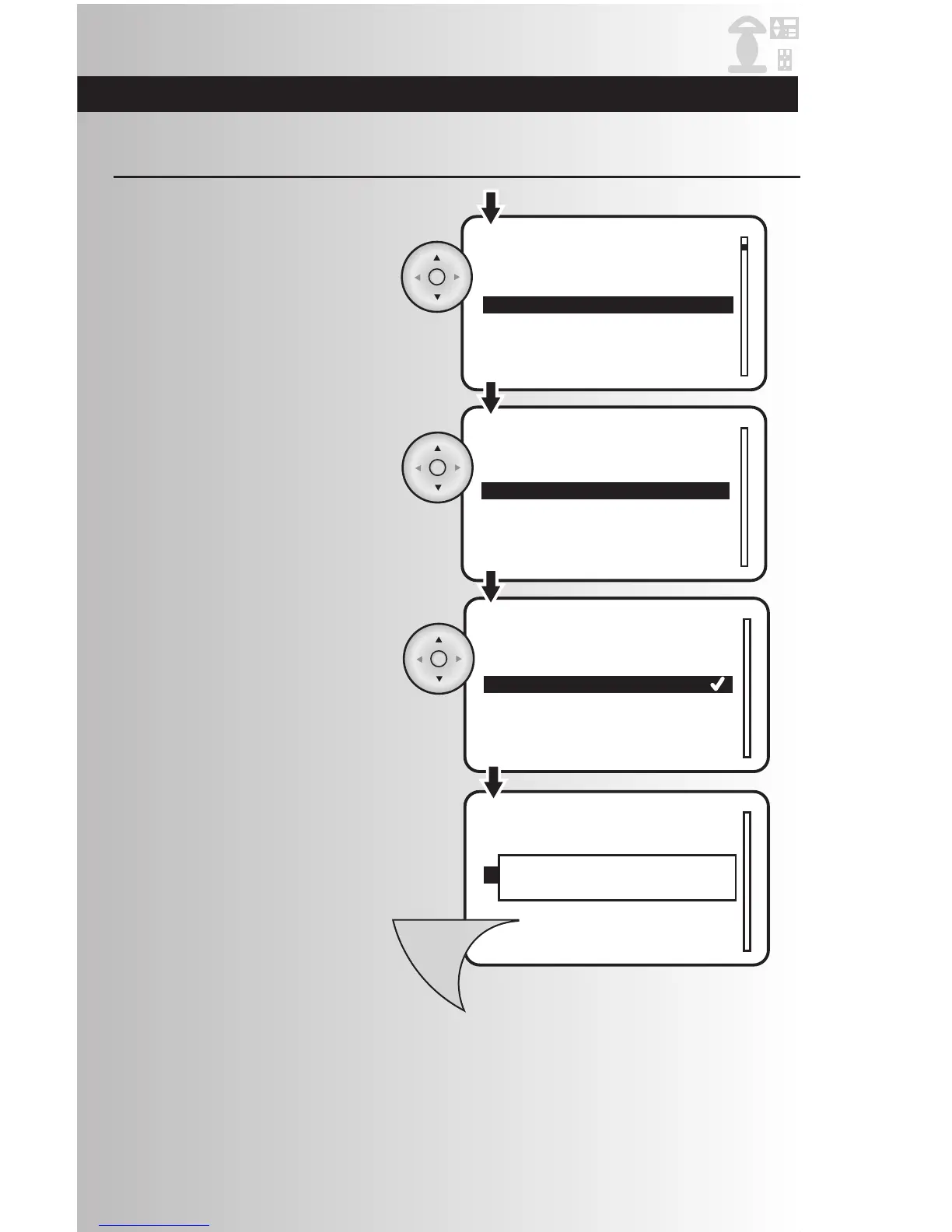
3. Highlight the specific device you would
like to customize. Press the OK button.
4. Use the up and down arrows to scroll
and highlight “All Switch All On & All
Off.” Press the OK button.
5. Checkmarks indicate the current all
switch settings. Using the arrow pad,
highlight your preferred level of
functionality. Press the OK button to
select or deselect the function. To save
the changes, press the Menu button.
6. Repeat Steps 2-4 to customize other
devices.
7. To save the changes, press the Menu
button.



 To Next Page