EasyManua.ls Logo

Cooper Aspire RF - Event Naming and Editing; Renaming an Event in the System

Cooper Aspire RF
76 pages
Print Icon
To Next Page IconTo Next Page
To Previous Page IconTo Previous Page
Loading...
Create and Control Events
45
Edit
Create
Rename
Activate All
Events
Events
1 Evening
2 Sports
3 Movies
4 Dinner
Movies Rename
Home Theater_
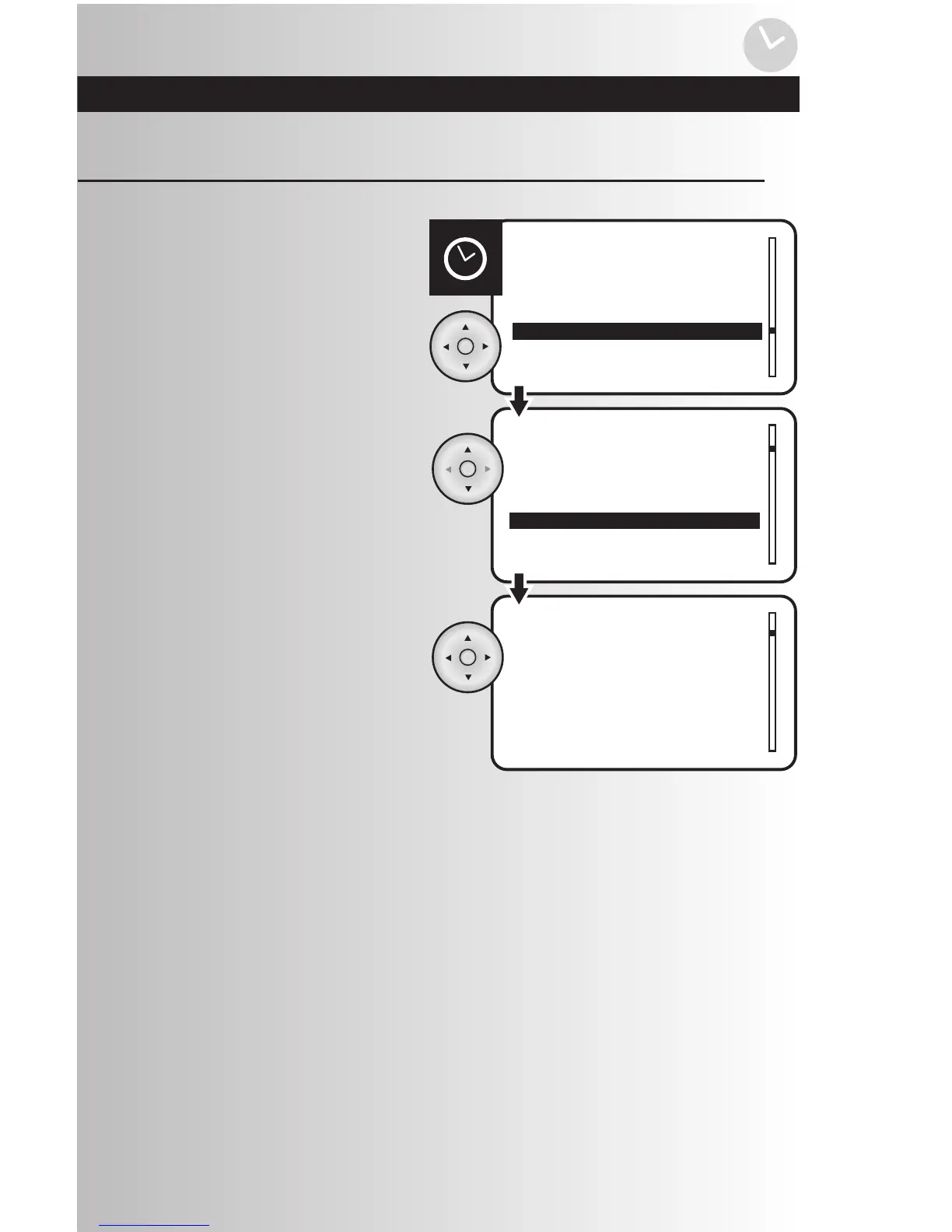
1. Select the “Rename” option from the Events
menu. Press the OK button.
Rename an Event
2. Use the up and down arrows to scroll and
highlight the event to be renamed.
Press the OK button.
3. Use the left arrow to erase name and the up
and down arrows to input the new event
name. Press the OK button to save.

Table of Contents