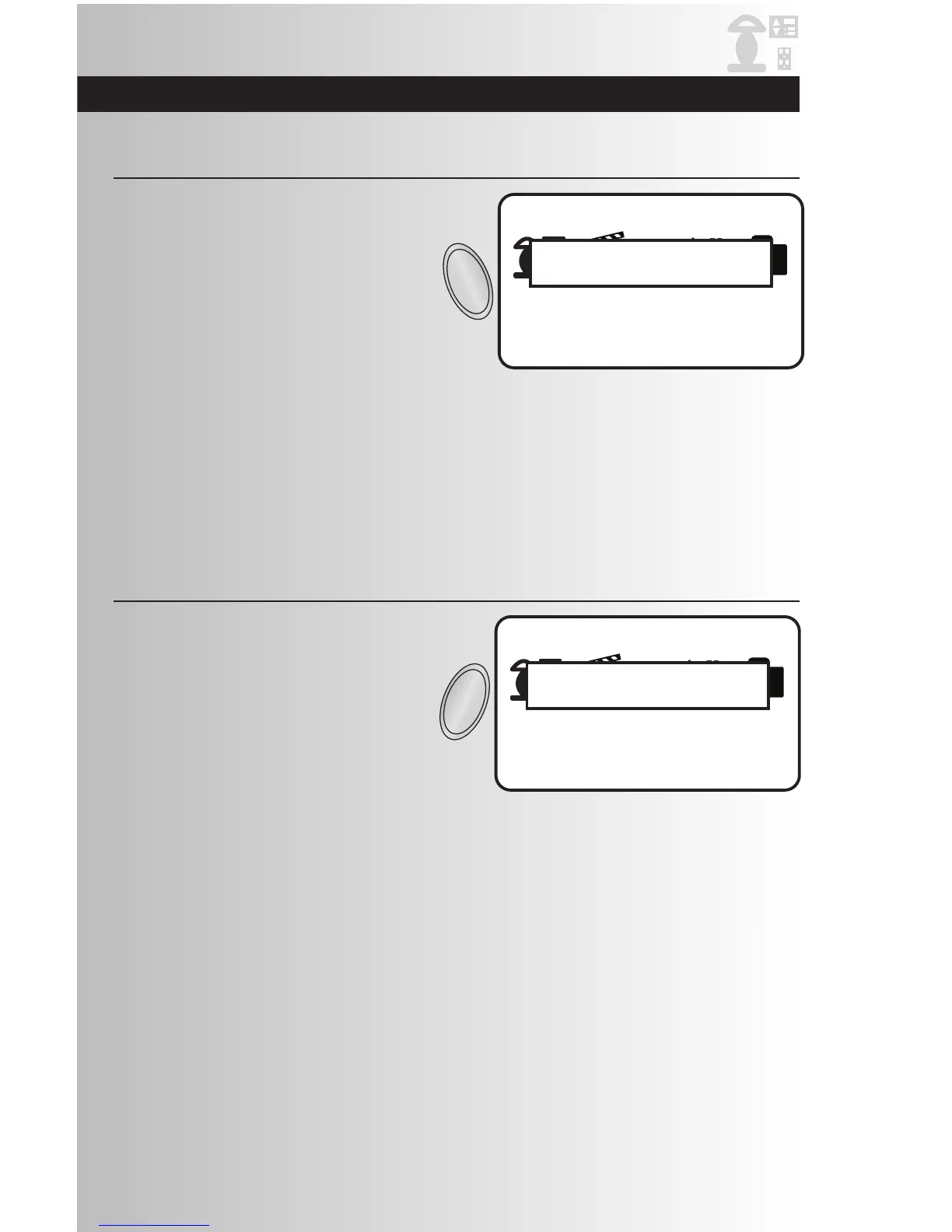
1. Press the ALL ON button on the controller. All
of the devices that are part of the ALL ON
group will turn on. Each device can be
programmed to be included with the
ALL ON command. Note: The ALL ON
command cannot be used in the Device
Control screen.The ALL ON command can be
used on all other screens.
Activate ALL ON
1. Press the ALL OFF button on the controller.
All of the devices that are part of the ALL OFF
group will turn off. Each device can be
programmed to be included with the
ALL OFF command. Note: The ALL OFF
command cannot be used in the Device
Control screen. The ALL OFF command can
be used on all other screens.
Activate ALL OFF



 To Next Page