Install and Control Devices
28
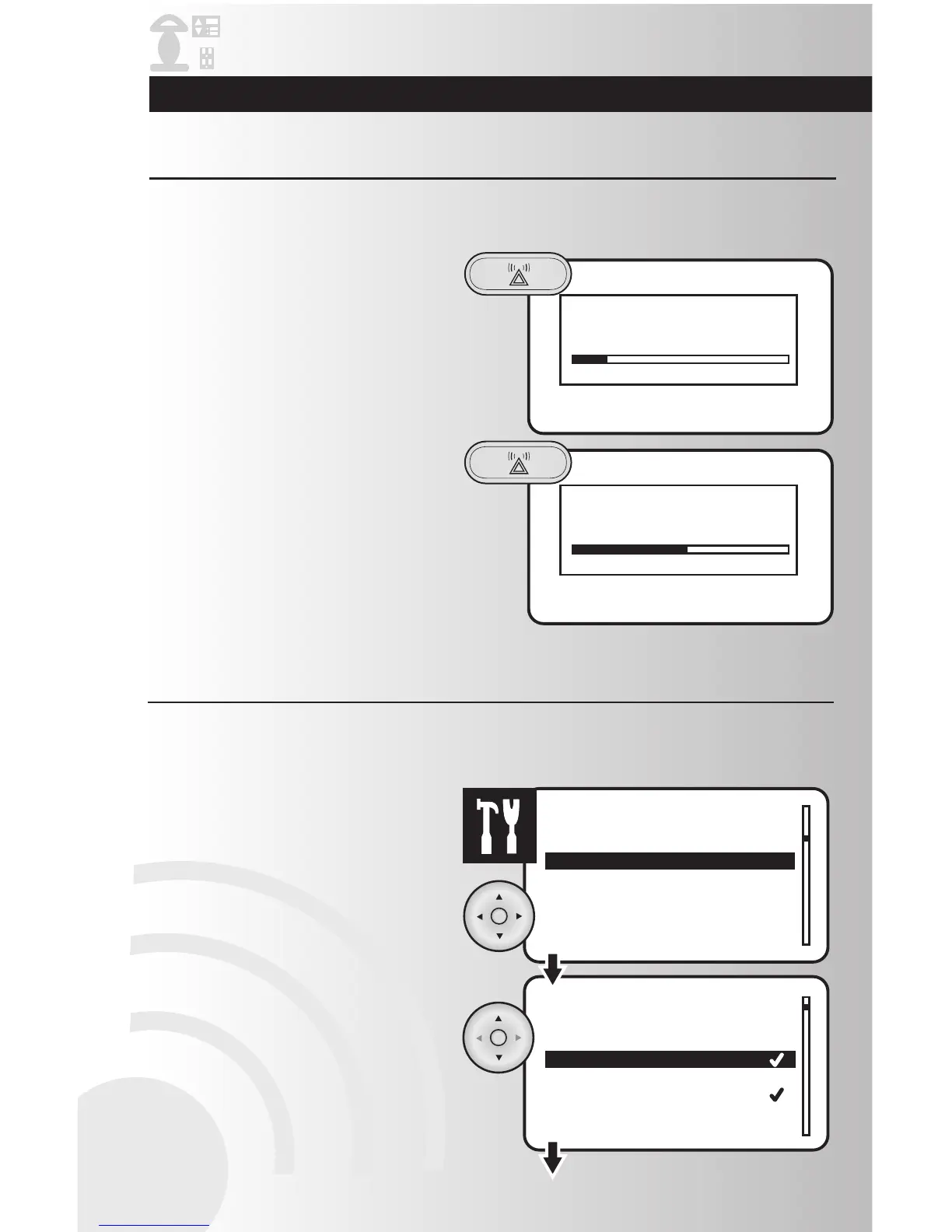
Panic mode allows the user to trigger a group of devices to turn off and on in a pattern that attracts
attention. These devices must be configured to respond to the Panic mode feature.
1. Press and hold the Panic button on the
handheld or tabletop controller for 2
seconds.
2. When ready to exit Panic mode, press the
Panic button again.
Note: Do not hold Panic button or Panic
mode will be re-activated.
Activate Panic Mode
1. Select the “Panic” option from the Settings
menu. Press the OK button.
2. Checkmarks indicate the devices associated
with the panic group. Using the arrow pad,
highlight the device you would like to add or
remove.
Panic mode allows the user to trigger a group of devices to turn off and on in a pattern that attracts
attention. After devices have been configured for the Panic On/Off delays you must now select whether a
device will be included in the Panic Group.
Customize Panic Group



 To Next Page