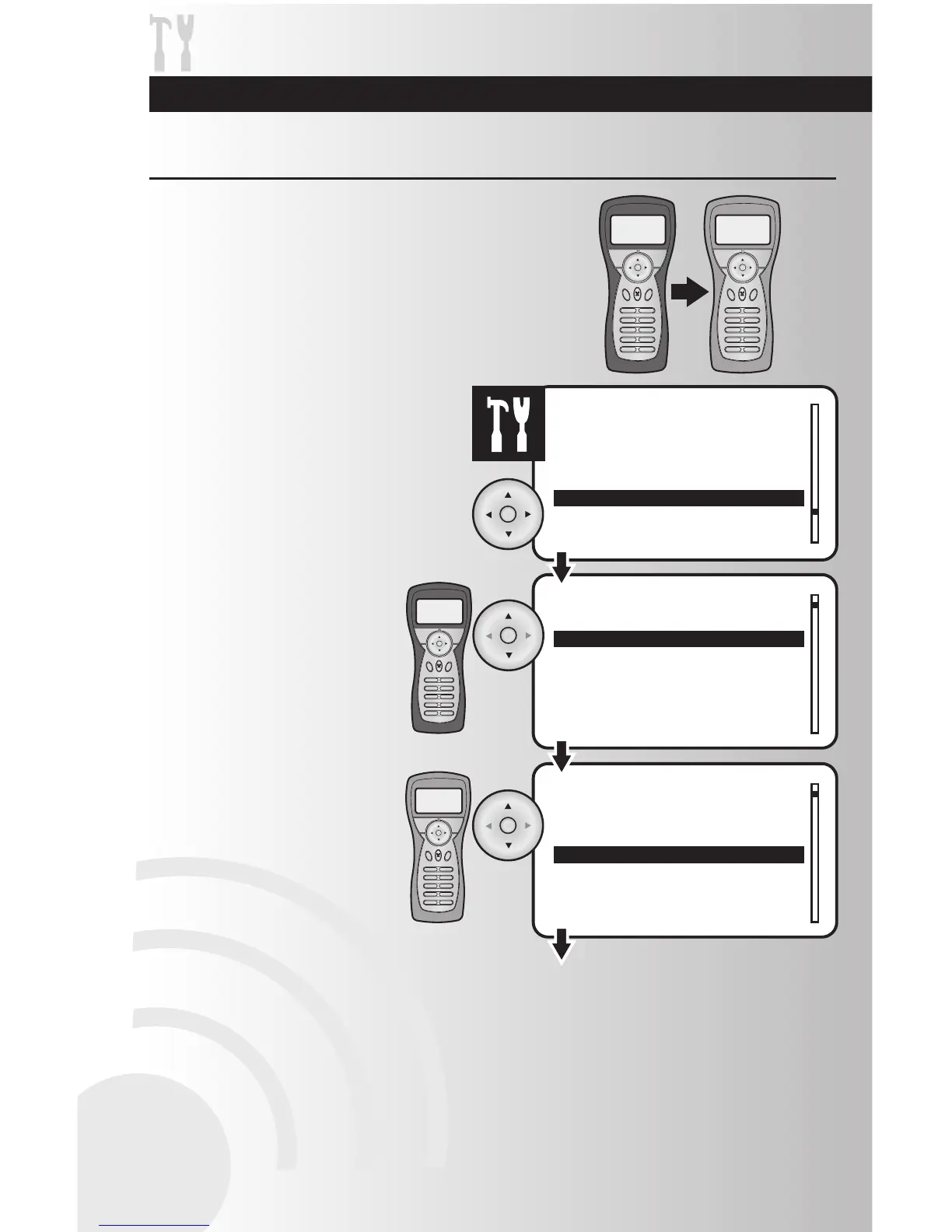
1. On both controllers, select the “Replicate”
option from the Settings menu. Press the
OK button.
2. Prepare both controllers for the
replicate process.
• On the primary controller, use
the arrow pad to highlight “Send”.
Press the OK button.
• On the secondary controller, use
the arrow pad to highlight “Receive”.
Press the OK button.
Replication allows you to duplicate the information from one
controller (primary) to another controller (secondary). The
primary controller is the only controller capable of adding
devices to the network. The network can support only one
primary controller and multiple secondary controllers.
Replication includes device information and complete network
information (settings, events and scenes). Note: Replication
will work with any combination of Tabletop and Handheld
Controllers (favorite scenes cannot be transferred from a
tabletop to a handheld controller).



 To Next Page