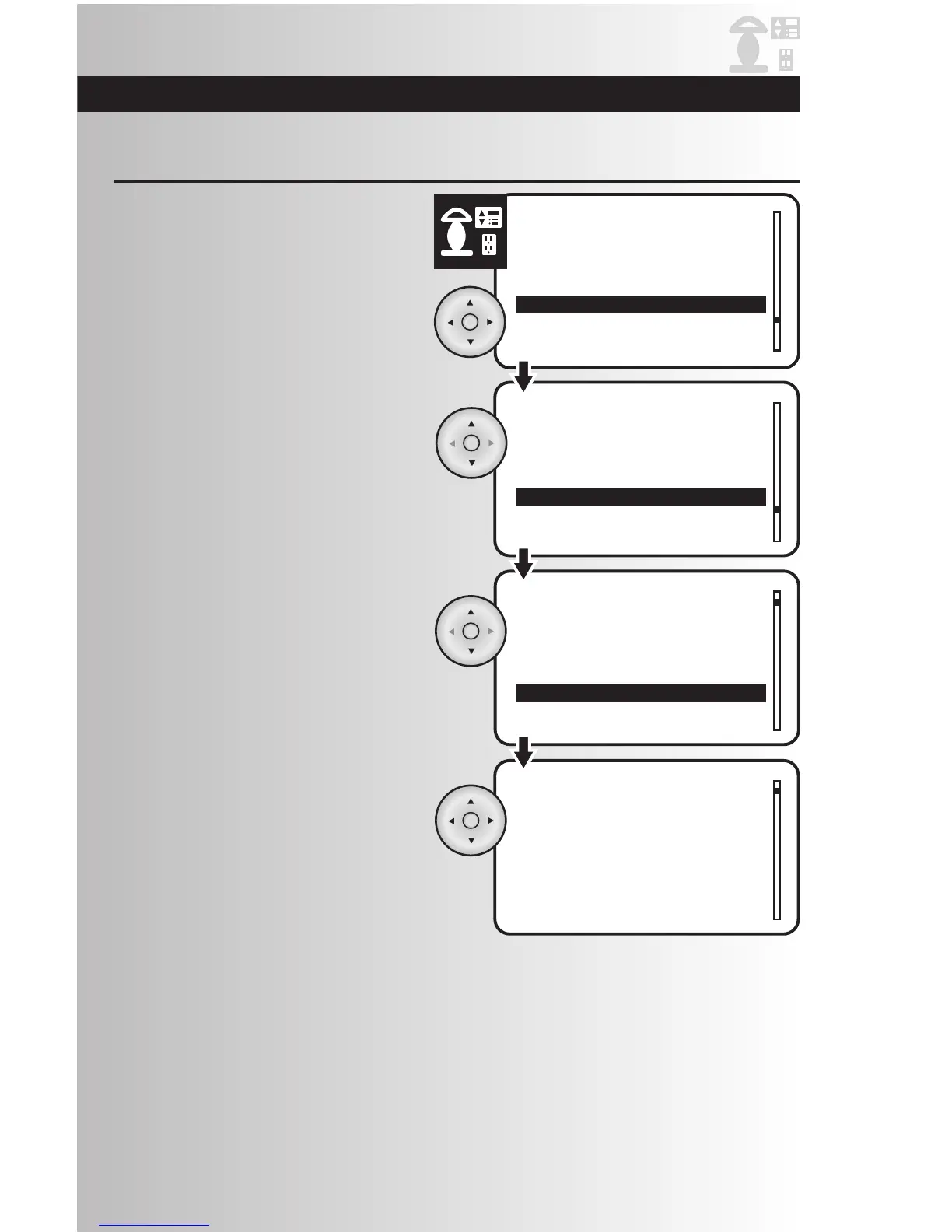
1. Select the “Rename” option from the devices
menu. Press the OK button.
Rename a Device
2. Using the up and down arrows scroll to
highlight the location of the device that you
would like to rename or select “Whole
House.” Press the OK button.
3. Highlight the specific device that you would
like to rename. Press the OK button.
4. Use the left arrow to scroll left and erase the
existing name (or portion of it) and then
scroll up/down to enter the new name. Press
OK to save the new name.



 To Next Page