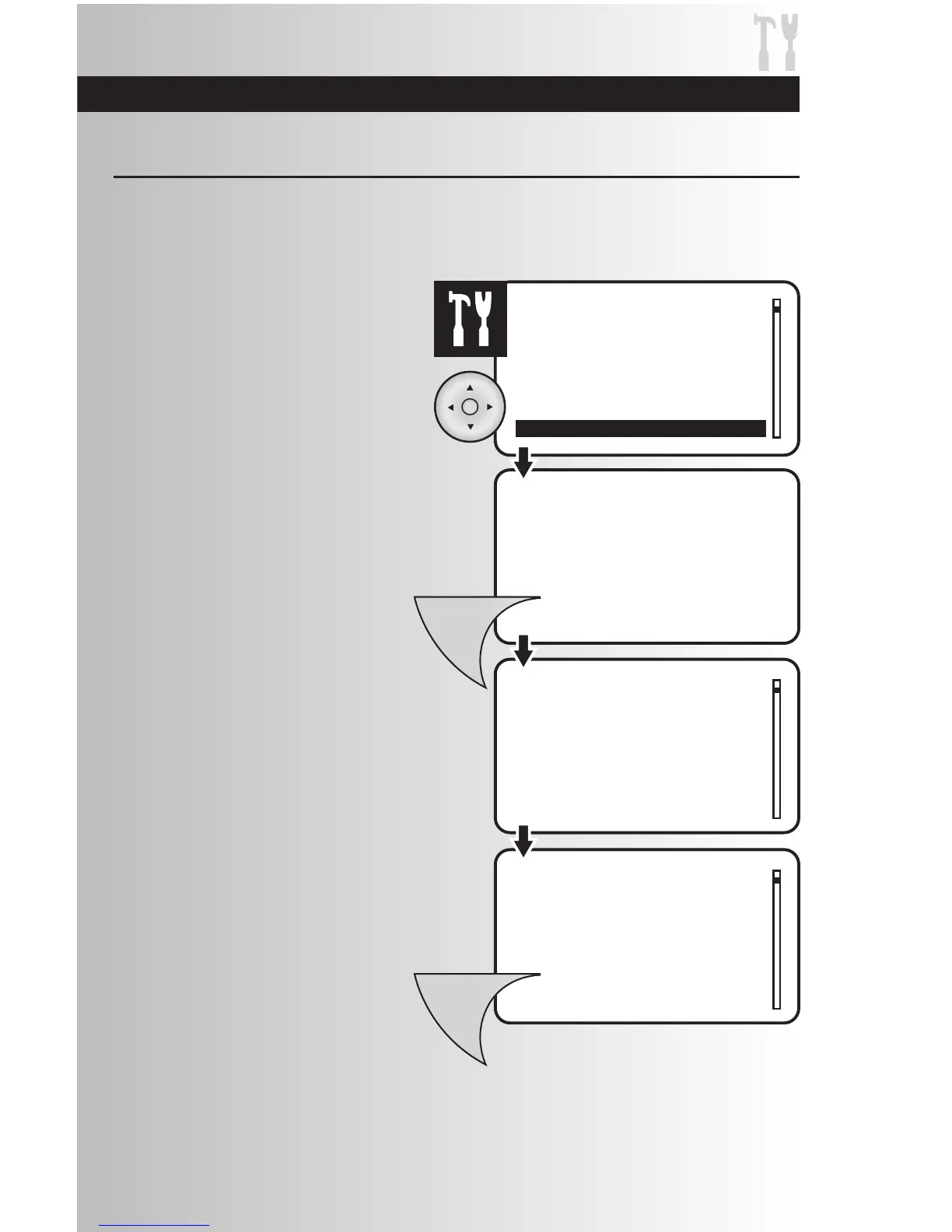
1. Select the “Reset” option from the Settings
menu. Press the OK button.
2. To reset the system, press the Menu button.
The process to reset the system will last
several seconds.
• If you don’t want to reset the system,
press the OK or Back button on the
controller.
3. When the system reset is complete, a
window will display a message saying that
the operation was successful. To return to the
main menu press the Menu button.
This function allows you to clear your handheld controller of all devices, scenes, and events.
Note: Resetting a Primary Controller will result in a loss of ALL pre-programmed scenes, events, and
all devices will be removed from the controllers memory.
Make Advanced Changes to Your System



 To Next Page