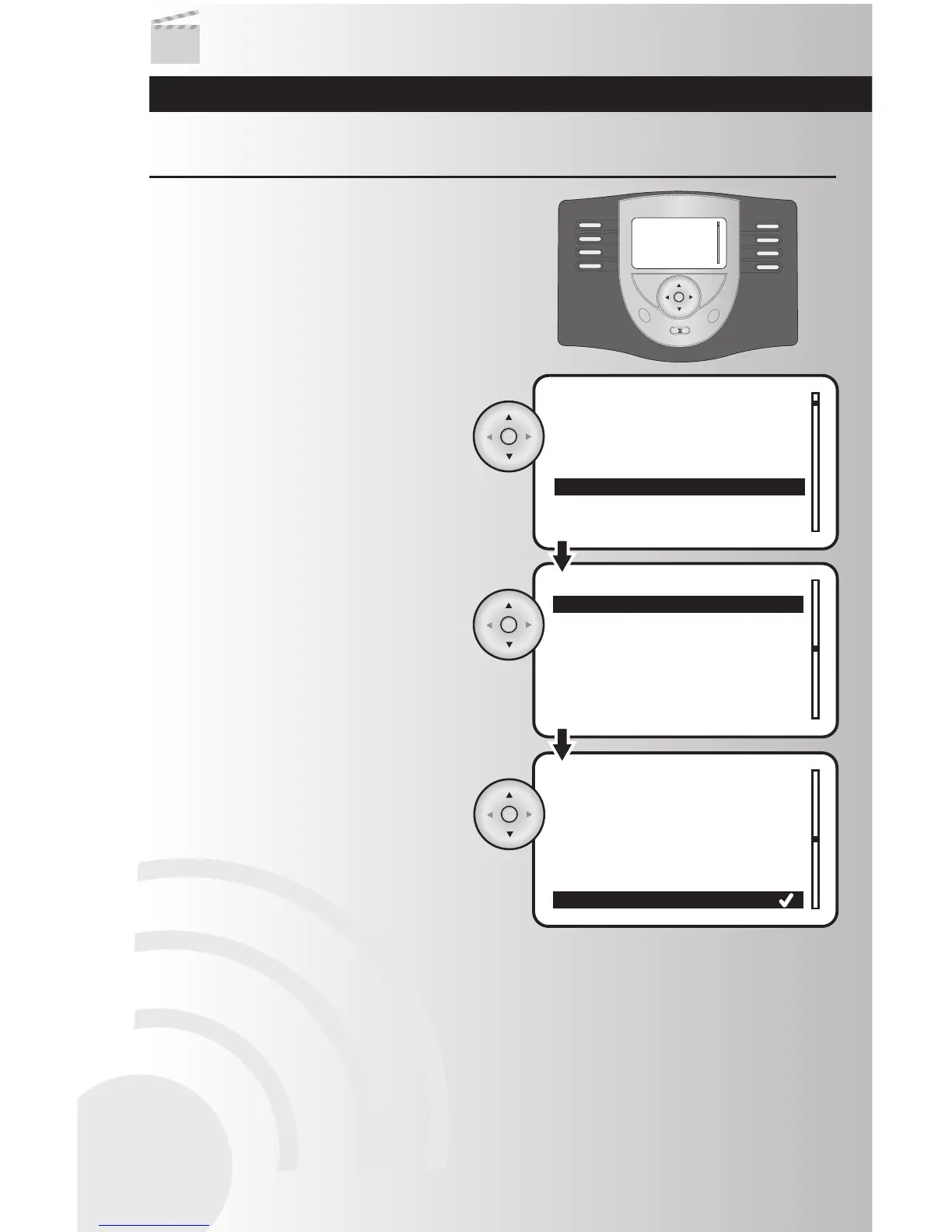
2. Use the up and down arrows to scroll and
highlight the number that you would like to
assign to your favorite scene. Press the OK
button.
3. Use the up and down arrows to scroll and
highlight your favorite scene. Press the
OK button.
Note: For the Table Top Controller it will
automatically be added to the favorites. The
user may change this using the above steps
to reverse the favorite display.
Create Favorite Scenes (for Table Top Controller only)
The Table Top Controller’s main menu is a scene screen
where eight of your favorite scenes can be accessed
directly. You will have easy one-touch control.
Create and Control Scenes
34



 To Next Page