Utilize Network Discovery
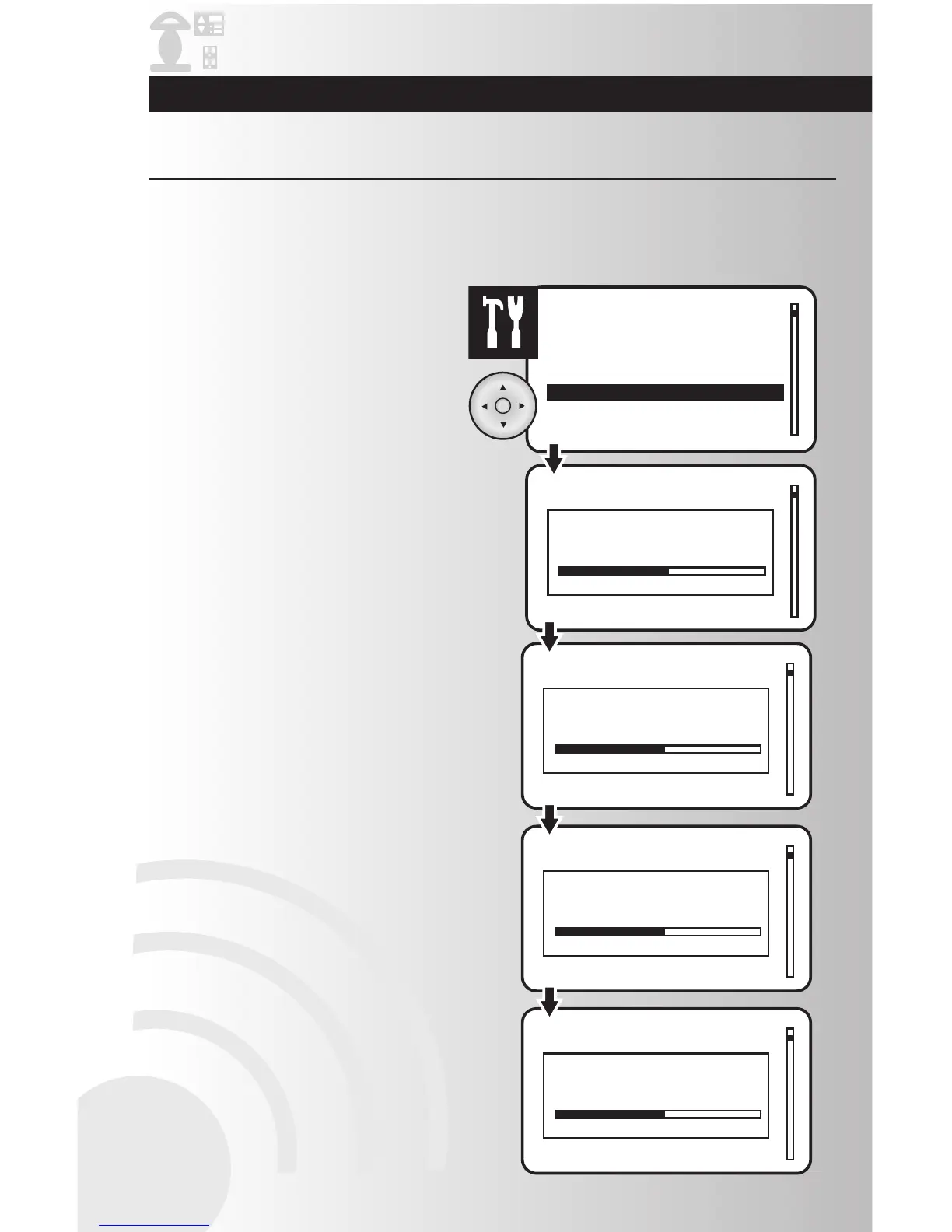
1. Select the “Network Discovery” option from
the Settings menu. Press the OK button.
2. The discovery process will last several
seconds. This process occurs in 4 steps,
indicated by Pass 1, Pass 2, Pass 3 and
Pass 4. When the operation is completed
you will be taken back to the Settings menu.
Network discovery is a network management function that forces the controller to search for devices and
update the network routing tables contained in the devices and in the controllers. It is rarely used in the
day-to-day operation of the wireless system. Use this function to update the network when new devices or
settings have been added to the network. On large networks, this process may take several minutes.
Troubleshooting Guide and Maintenance



 To Next Page