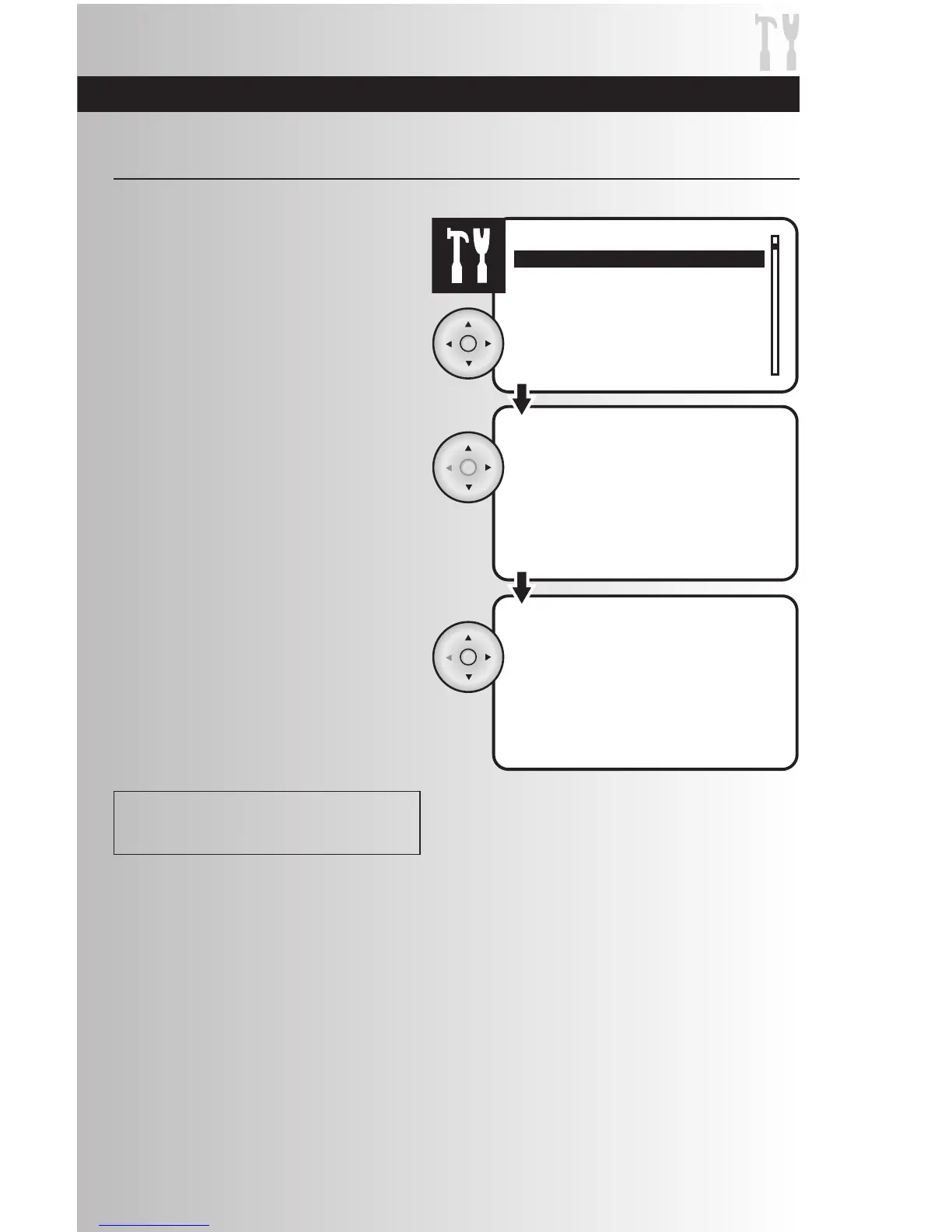
1. Select the “Day/Time” option from the
Settings menu. Press the OK button.
Set Current Day and Time
3. Once you are in the time, the hour number
will be flashing slowly. Use the up or down
arrows to select the correct hour, then use
the right arrow to proceed to the next hour,
then to minutes, then select AM or PM. Press
the OK button to save the current day and
time.
Note: To enter 8:30 AM the user must enter
08:30 AM.
2. Use the up and down arrows to change the
current day. When finished, press the right
arrow to highlight the time.
Get Started
Reminder: Reset Date and Time after replacing
controller batteries.



 To Next Page