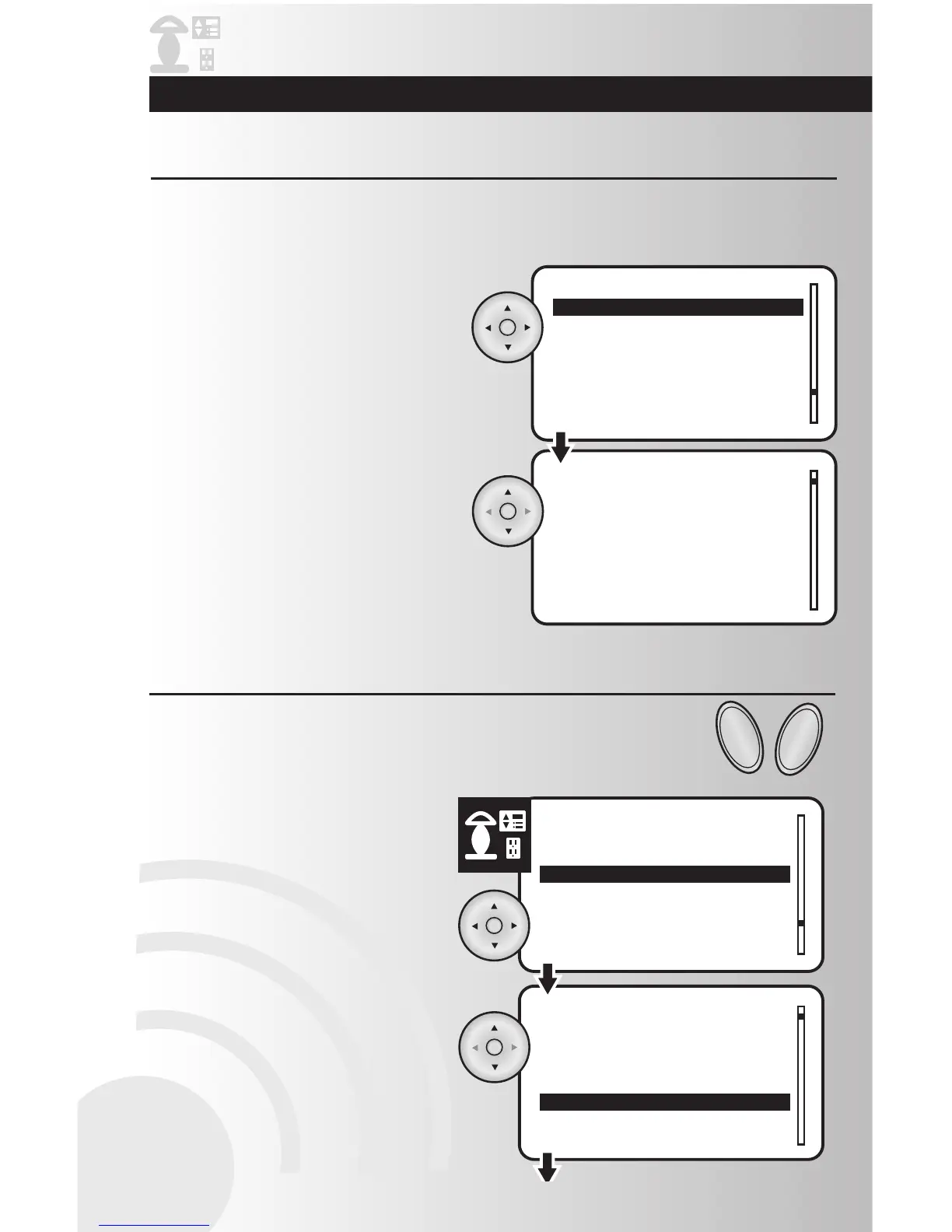
Configure Off Delay (for compatible products only)
1. Highlight “Off Delay” and press the OK
button to select it.
2. Using the arrow pad, highlight each number
and scroll up or down to select your off
delay time up to 04:14 seconds. Press the
OK button to select the time.
Configure ALL ON and ALL OFF group (for compatible products only)
This feature gives the user time to leave a room before the light turns off. To activate Off Delay, press and
hold the dimmer or switch. The LEDs on the device will flash for the programmed Off Delay time and then
go off.
1. Select the “Configure” option from the
Devices menu. Press the OK button.
2. Highlight the location of the device that you
would like to customize or choose “Whole
House.” Press the OK button.
The All Switch feature determines how a device reacts when the user presses the ALL
ON and ALL OFF buttons. The available options are Disable, All On only and All On &
All Off,



 To Next Page