Install and Control Devices
Configure Power On State
(for compatible products only)
19
Configure Ramp Time (for dimmers only)
1. Use the up and down arrows to scroll and
highlight the dimmer you would like to
configure.
Ramp Time refers to the time it takes to fully ramp up or down the brightness level of a dimmer switch.
Example: If you choose 00:10 seconds, it will take 10 seconds to ramp up from 0% brightness to 100%
brightness.
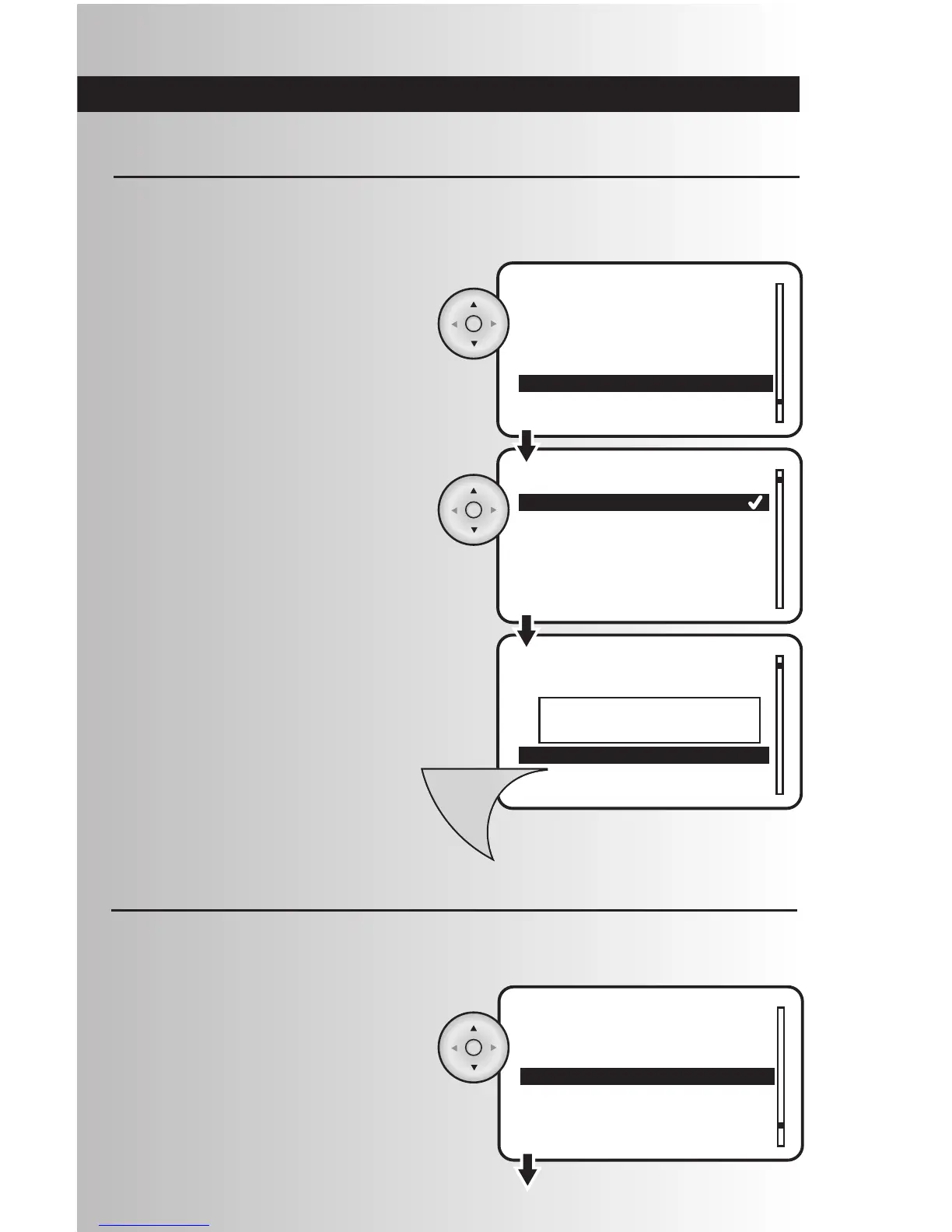
2. Checkmark indicates the current power on
state. Using the arrow pad, highlight your
preferred power on state. Press the OK button
to select the desired power on state.
3. Press the Menu button to save the device
configuration. A window will display a
message saying “Device updated.”
1. Highlight “Power On State” and press the OK
button to select it.
The Power On state defines what state the device powers up into when power resumes after an outage.
After an outage, On will turn on the device, Off will leave the device off, and Last will return the device to its
state before the outage.



 To Next Page