Install and Control Devices
Example of a non-Cooper device:
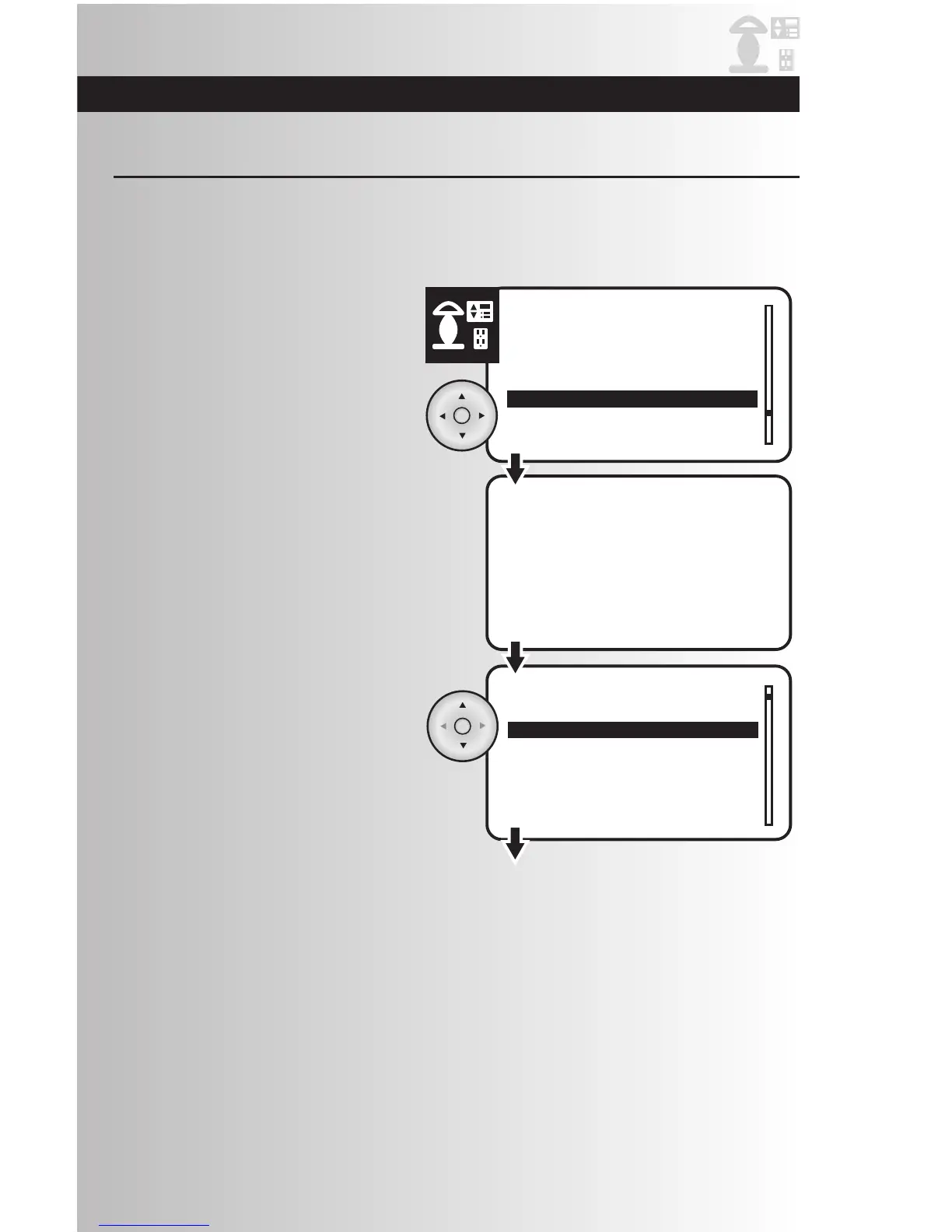
1. Highlight specific device for which you would like
to configure the parameters, and press the OK
button.
Non-Cooper Parameters
2. If the device is a battery operated device, like a
motion detector for example, you will be prompted
to press the install button on the device to wake it
up.
3. This screen will appear with the name of the
selected device at the top. Press the OK button.
21
This allows the user to configure the parameters for Cooper devices or non-Cooper devices. Normally this
option will NOT be used for Cooper devices since all the configurable items are already listed.
Note: Zen-Sys (Z-Wave) requires the configuration parameters to be published. Contact the device
manufacturer if these are not available in the documentation with the device.



 To Next Page