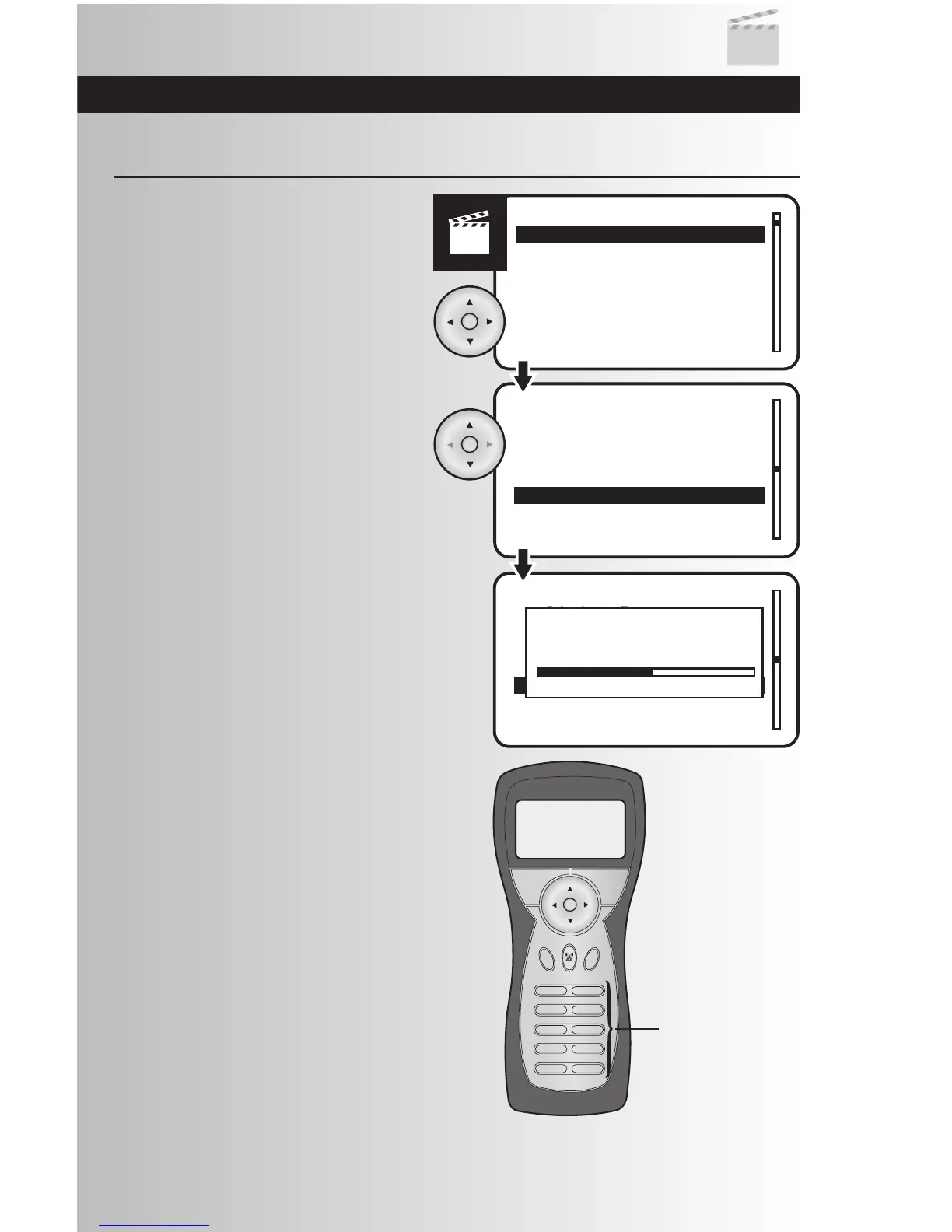
1. Select the “Activate” option from the Scenes
menu. Press the OK button.
Activate a Scene
2. Use the up or down arrows to highlight the
scene you want to activate. Press the OK
button.
3. When activation is complete you will return
to the Scenes menu.
4. When using the Handheld Controller, you
can activate a scene by pressing a number
or numbers then press the OK button.
Example: Pressing 1 will take you to Scene
1, and pressing a combination of 1 then 2
will take you to Scene 12.
Note: To quickly activate a scene, press and
hold the button for the desired scene number
on the handheld controller. For Scenes 1-9,
press and hold the desired scene button. For
Scenes 10-64, press and release the first
number and then press and hold the second
number to activate the scene.



 To Next Page