Create a Scene (continued)
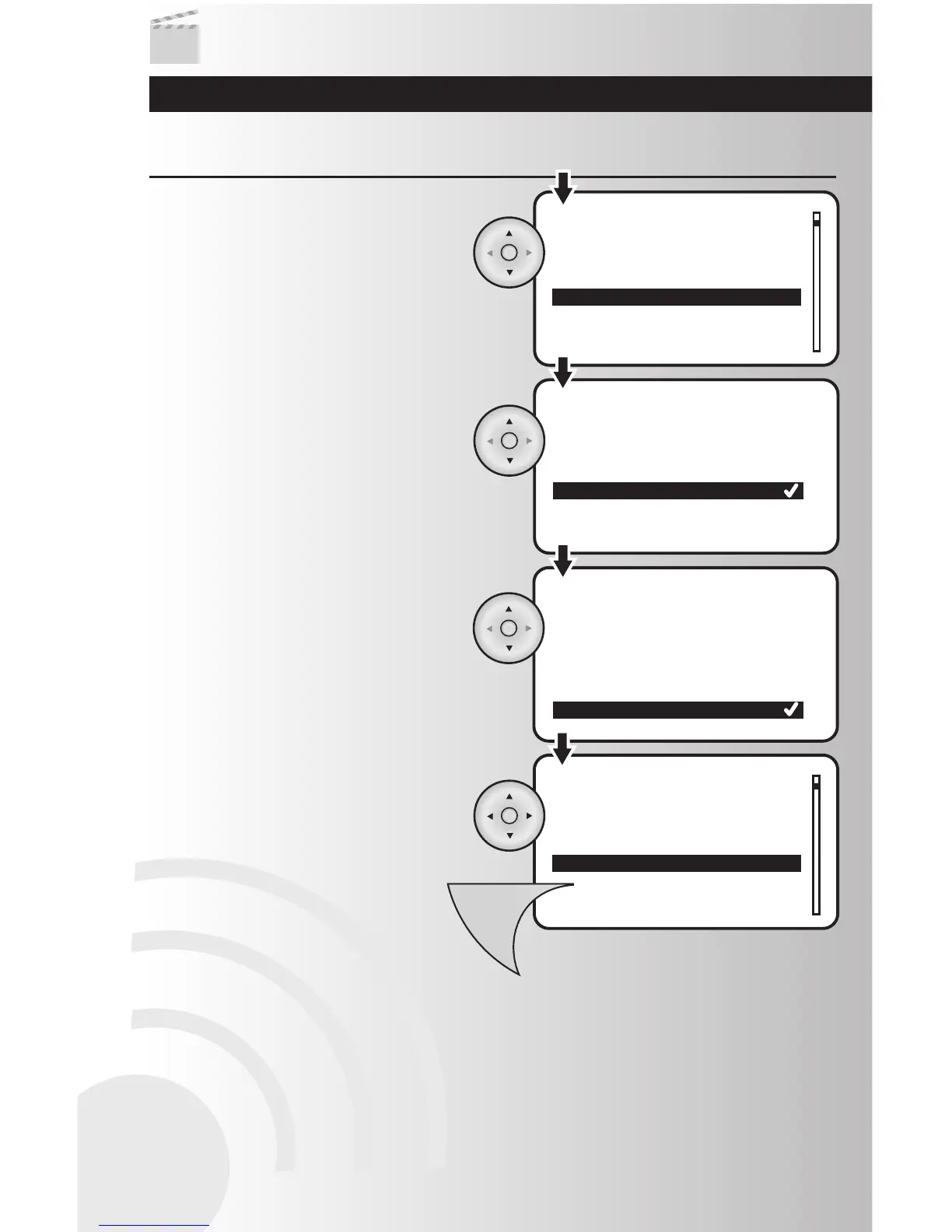
6. To save the scene, press the Menu button.
5. Repeat Steps 3-5 for all devices within the
scene.
• To select a specific light level, you can
select a percentage from 90% to 0%. On
will be 100% and Off will be 0%. Use the
up and down arrows to select desired light
level. Press the OK button when finished.
Note: If a device does not allow a specific
light level, you will not be given the option.
4. Highlight one of four setting options for the
device: Not used, On, Off, or a specific light
level (dimmers only). Press the OK button.
3. Highlight the first device that you would like
in the scene and press the OK button.



 To Next Page