Retrieve Version Information about your System
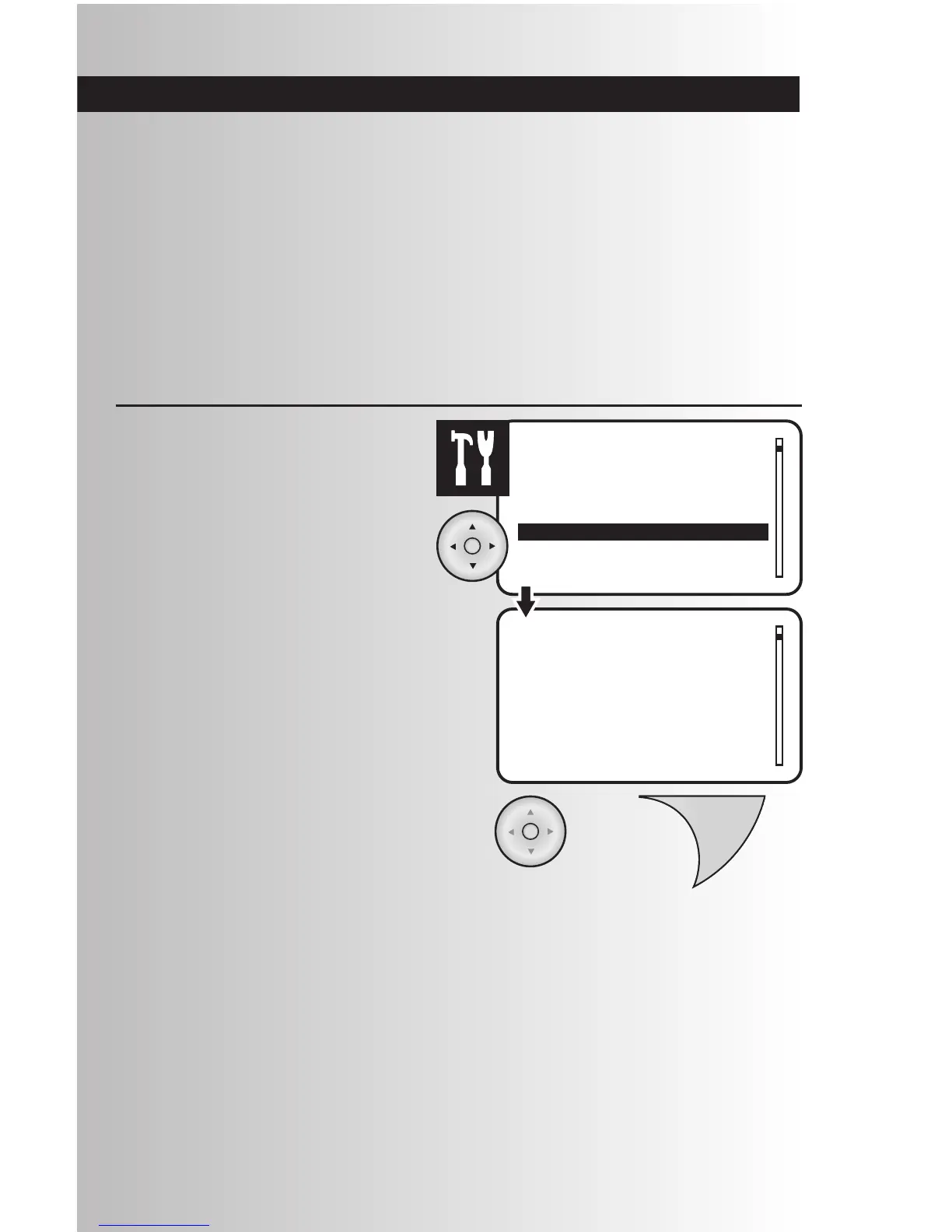
1. Select the “Version” option from the Settings
menu. Press the OK button.
2. View version information about the wireless
control system.
Note: The numbers shown here may be
different from your controller.
3. When finished, press the OK or Back button
to return to the main settings menu.
Note: “Range Test” and “Send Node Info”
functions, which are listed within this function
are for factory use only.
Use this section to learn about the following functions:
• Retrieve Version Information about your System
• Retrieve Version Information about Individual Devices
• Retrieve Device Information (“Who Are You” feature)
• Update Secondary Controller Device Information (“Get Name & Locn” feature)
• Remove a Failed Device
• Replace a Failed Device
• Utilize Network Discovery



 To Next Page