Create and Control Events
44
Activate
Deactivate
Edit
Create
Events
Events
Events
1 Movies
2 Sports
3 Family Time
4 Dinner
1 Movies
2 Sports
3 Family Time
4 Dinner
Event Activated
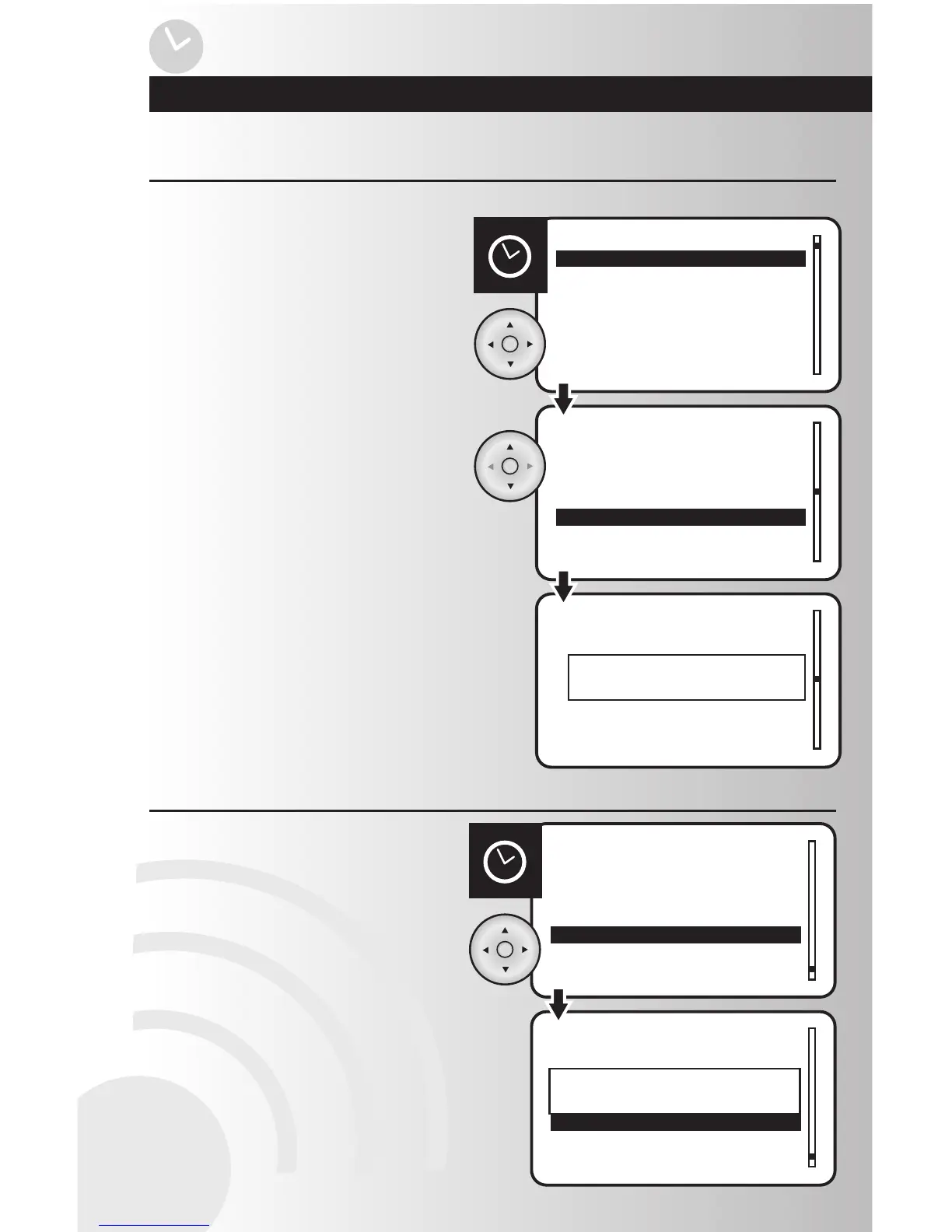
1. Select the “Activate” or “Deactivate” option
from the Events menu. Press the OK button.
Activate or Deactivate an Event
2. Use the up or down arrows to scroll and
highlight the event to activate or deactivate.
Press the OK button.
3. When the activation or deactivation is
complete, a window will display a message
saying the operation was successful.
Events
Rename
Activate All
Deactivate All
Delete
Events
Rename
Activate All
Deactivate All
Delete
All Events Deactivated
Activate or Deactivate All Events
2. When the activation or deactivation is
complete, a window will display a message
saying the operation was successful.
1. Select the “Activate All” or “Deactivate All”
option from the Events menu. Press the OK
button.
Activating an event means the event will occur at the programmed time.



 To Next Page