Create and Control Events
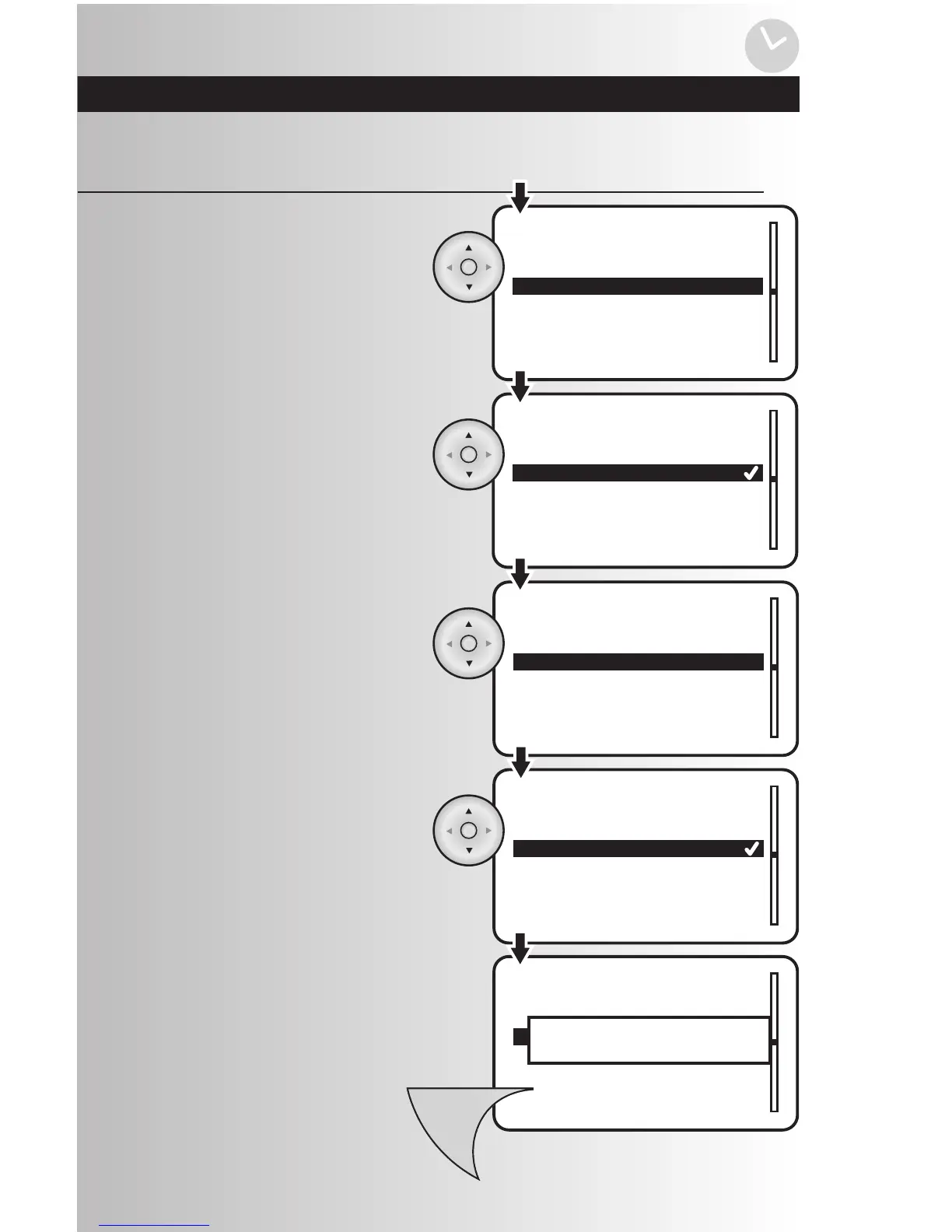
• Using the arrow pad, highlight “One
Time” or “Recurring.” Press the OK
button to save.
• To select the scene, highlight “Scene”
and press the OK button.
• You will see a list of existing scenes in
your system. Using the arrow pad,
highlight the desired scene for the event.
Press the OK button to save.
4. To save the event, press the Menu button.
Note: To view and activate the event you’ve
created you can select “Active” and change
the setting to “Yes”.
Create an Event (continued)
• To create the type, highlight “Type” and
press the OK button. You can make your
event a one-time or recurring event with
this setting.



 To Next Page