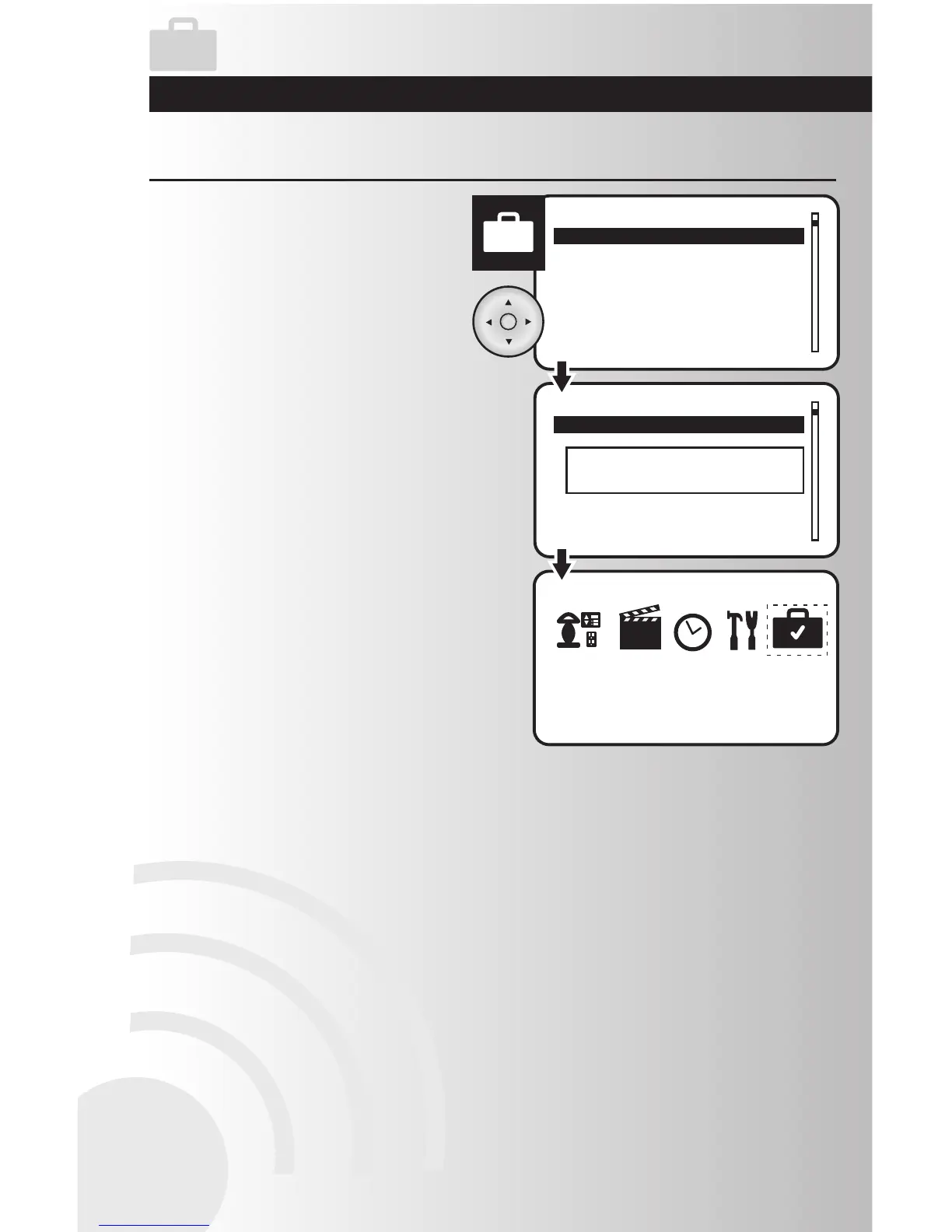
1. Select the “Activate” or “Deactivate” option
from the Away menu. Press the OK button.
Activate or Deactivate the Away Feature
2. When activation or deactivation is complete,
a window will display a message saying that
the operation was successful.
3. When the away feature is activated, the
away icon on the main menu will show a
checkmark inside the suitcase.



 To Next Page