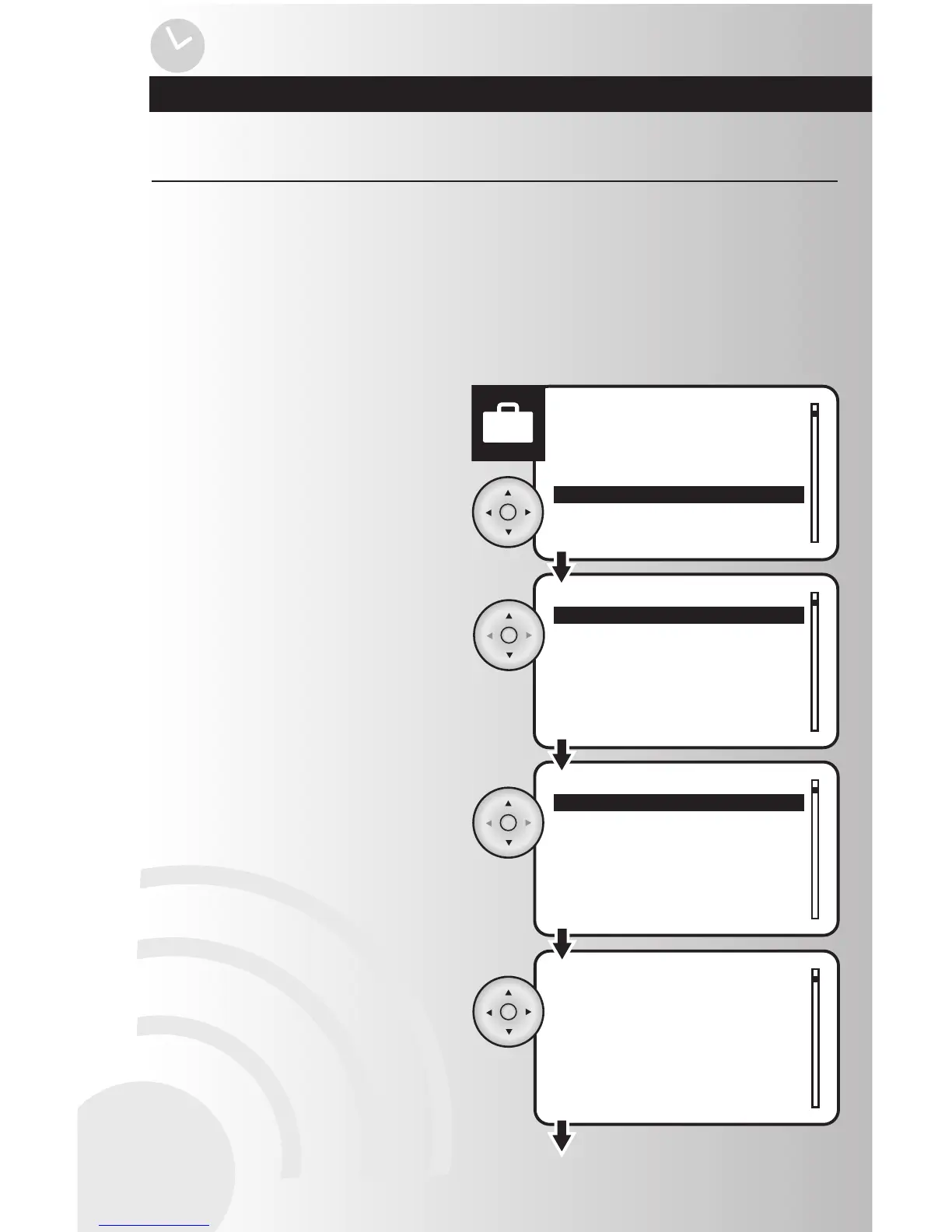
1. Select the “Edit” option from the Away menu.
Press the OK button.
The away menu allows the user to edit and control a group of devices in set intervals that will be randomly
controlled. This gives the impression that the house is still occupied during the absence of its residents.
Each interval can set a specified start time, stop time, and which devices to be used. The Away Feature
supports up to 4 different sequential intervals.
After reviewing this section, you will be able to perform the following functions:
• Edit the Away Feature • Activate or Deactivate the Away Feature
2. Use the up and down arrows to scroll and
highlight desired interval. Press the OK
button.
3. Highlight the “Start” option to program the
time when the Away mode will begin. Press
the OK button.
4. Once you are in the away start time setting,
the hour number will be flashing slowly. Use
the up or down arrows to select the correct
hour, then use the right arrow to proceed to
the next hour, then to minutes, then select
AM or PM. Press the OK button to save.
Note: To enter 8:30 AM the user must enter
08:30 AM
Edit the Away Feature



 To Next Page