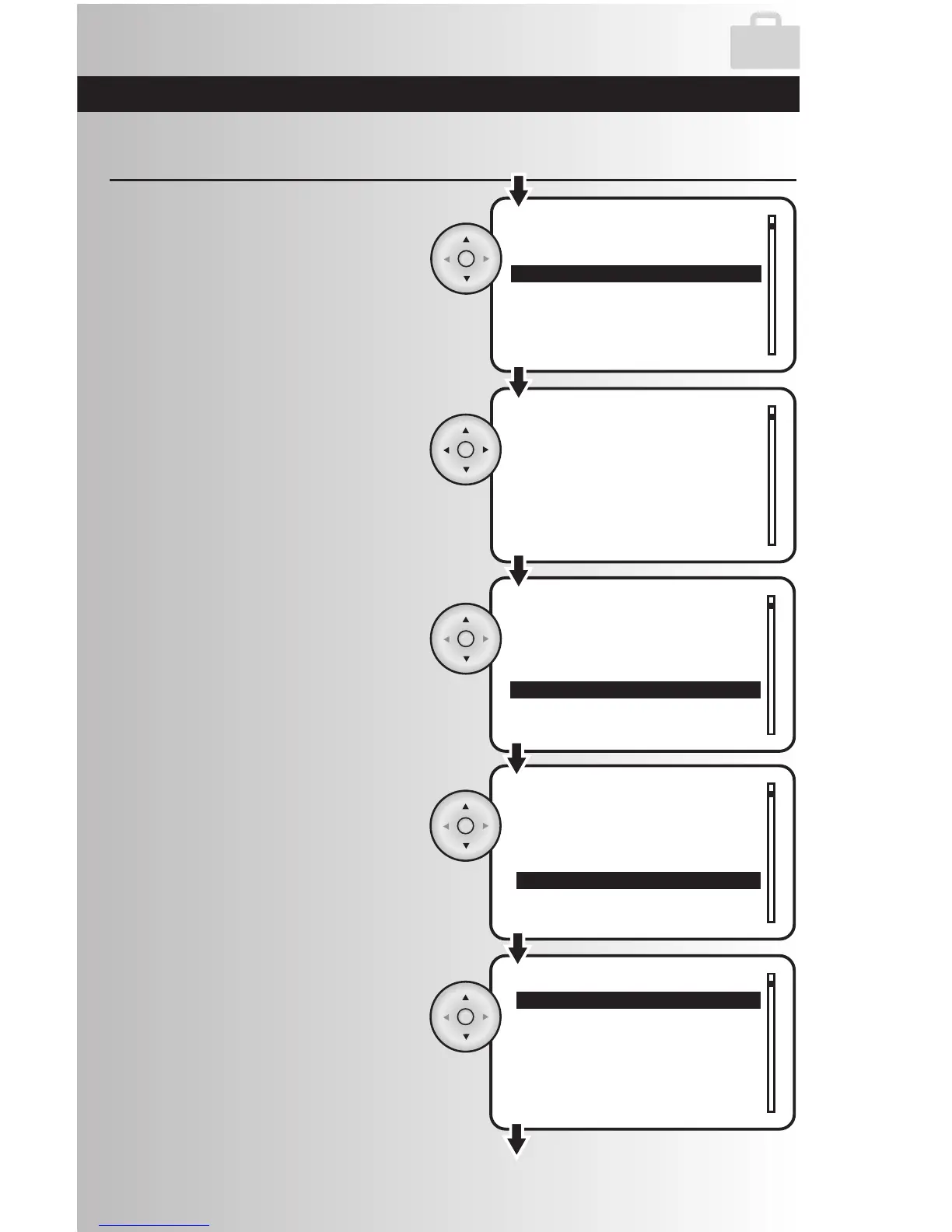
5. Highlight “Stop” to program the time when
the Away feature will be deactivated.
Press the OK button.
Edit the Away Feature (continued)
8. Use the up and down arrows to scroll
through the list of devices. Highlight and
press the OK button to select a device.
6. Once you are in the away stop time setting,
the hour number will be flashing slowly. Use
the up and down arrows to select the correct
hour, then use the right arrow to proceed to
the next hour, then to minutes, then select
AM or PM. Press the OK button to save.
Note: To enter 8:00 PM the user must enter
08:00 PM
7. Highlight the “Devices” option to select the
devices to be included in the away mode.
9. Highlight “Included” and press the OK
button.



 To Next Page