Edit and Control the Away Feature
52
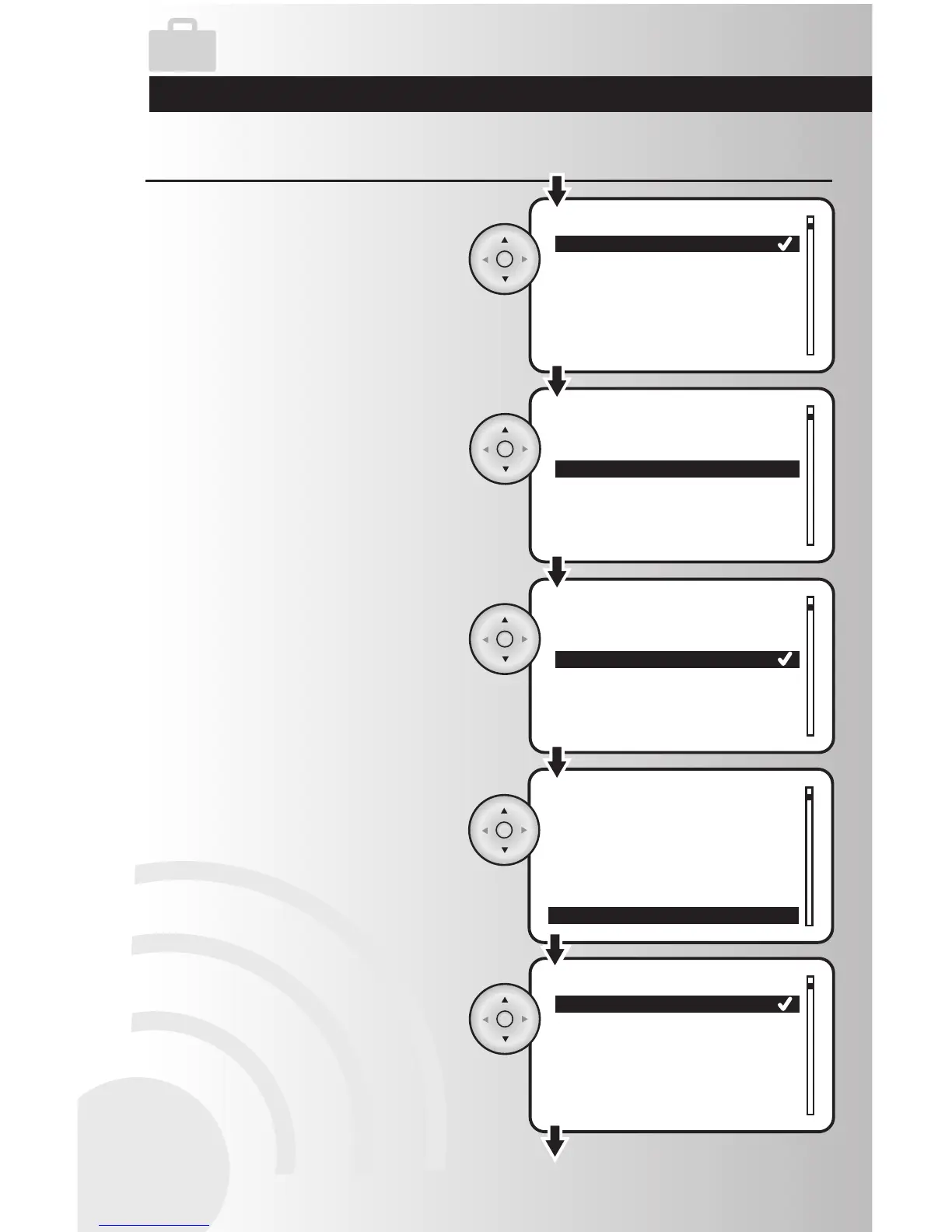
10. Using the arrow pad, highlight “Yes” or
“No”. Press the OK button to save.
11. Highlight “On Time (mins)” and press the
OK button. This feature allows you to
select how long devices will turn on,
during this function.
12. Using the arrow pad, highlight the
desired on time. Press the OK button to
save.
13. Highlight “Enable” and press the OK button.
Note:
a. For the Away feature to function, the
selected interval must be enabled by
highlighting “yes.”
b. You must still activaate the Away function
for the Away feature to be turned on.
14. Using the arrow pad, highlight “Yes” or
“No”. Press the OK button to save.
Edit the Away Feature (continued)



 To Next Page