Create and Control Scenes
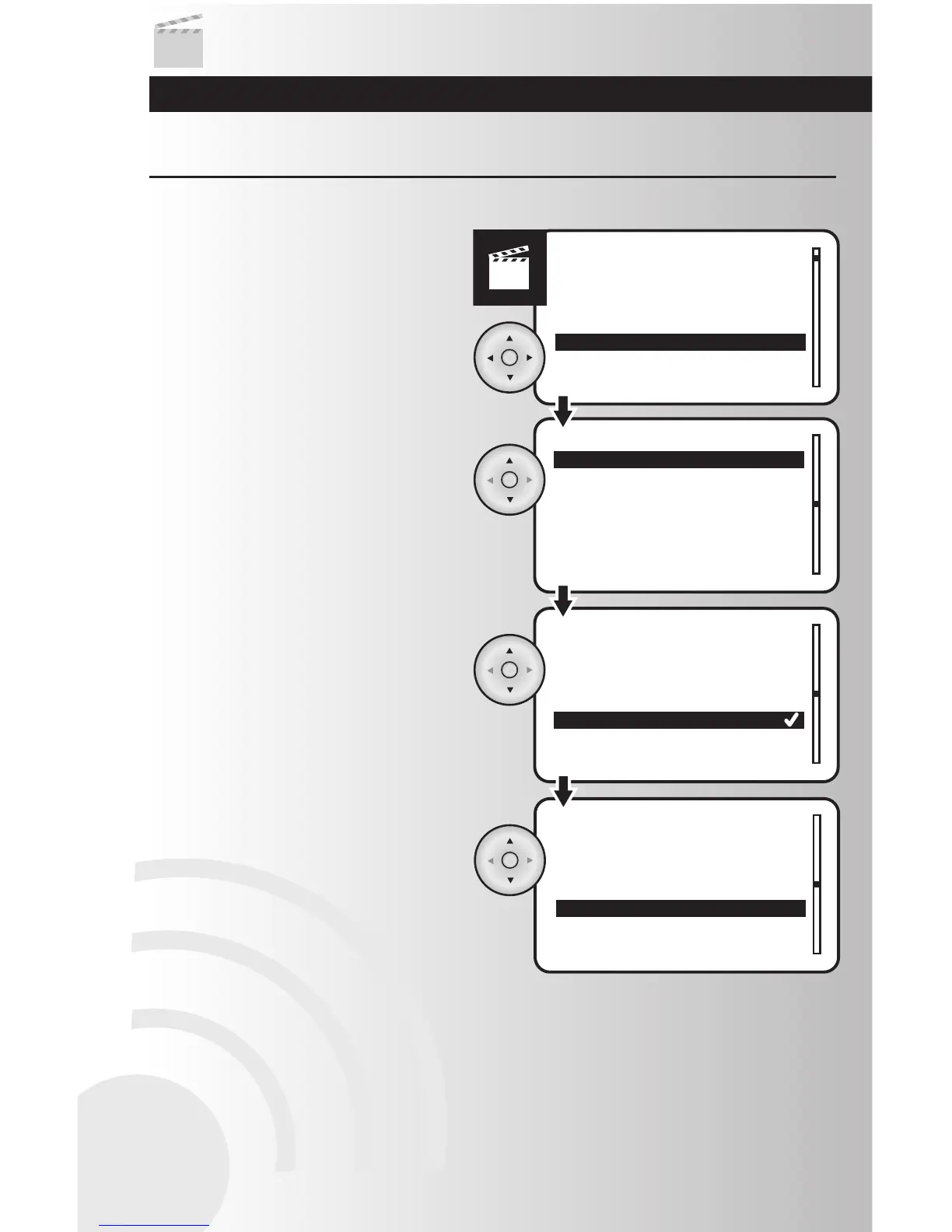
Renumber a Scene
2. Use the up or down arrows to scroll and
highlight the scene to be renumbered. Press
the OK button.
3. A check mark will appear next to the current
number of the scene. Using the arrow pad,
move the check mark next to the new
number for the scene. Press the OK button.
4. The Scenes menu will appear. To reorder
additional Scenes press the OK button.
1. Select the “Renumber” option from the
Scenes menu. Press the OK button.
This feature allows the user to reorder the scenes displayed on the selection menu.
36



 To Next Page