Make Advanced Changes to Your System
Select a New Primary Controller
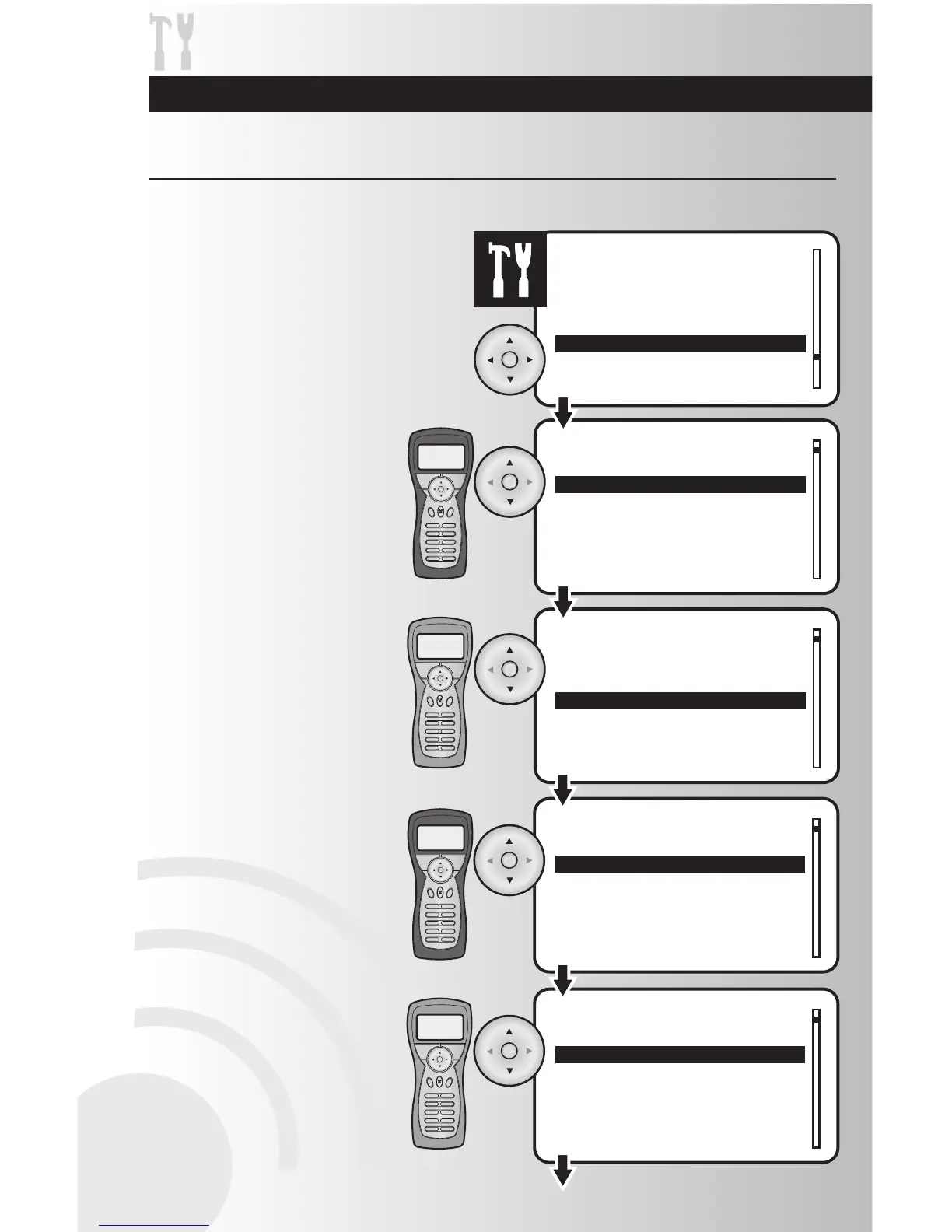
The replicate function allows you to shift primary control from one controller to another.
58
1. On both controllers, select the “Replicate”
option from the Settings menu. Press the
OK button.
2. Prepare both controllers for the
replicate process.
• On the primary controller, use
the arrow pad to highlight “Send”.
Press the OK button.
• On the secondary controller, use
the arrow pad to highlight “Receive”.
Press the OK button.
Primary
Controller
Secondary
Controller
3. Replication requires choosing
whether the controller is a Cooper
controller or an unknown controller.
• On the primary controller, choose
to send “To Cooper Controller or “To
Unknown Controller.”
Press the OK button.
• On the secondary controller, choose
to receive “From Cooper Controller
or “From Unknown Controller.”
Press the OK button.
Primary
Controller
Secondary
Controller



 To Next Page