EasyManua.ls Logo

Cooper Aspire RF - Finalizing Event Edits; Editing Event Scene and Saving Changes

Cooper Aspire RF
76 pages
Print Icon
To Next Page IconTo Next Page
To Previous Page IconTo Previous Page
Loading...
Create and Control Events
Bedroom
Kitchen
Basement
Porch
Sports
Sports – Scene
Type One time
Scene Bedroom
Active No
Save
Romantic Dinner
Type One time
Scene Dining Room
Active No
Save
Menu
Event updated
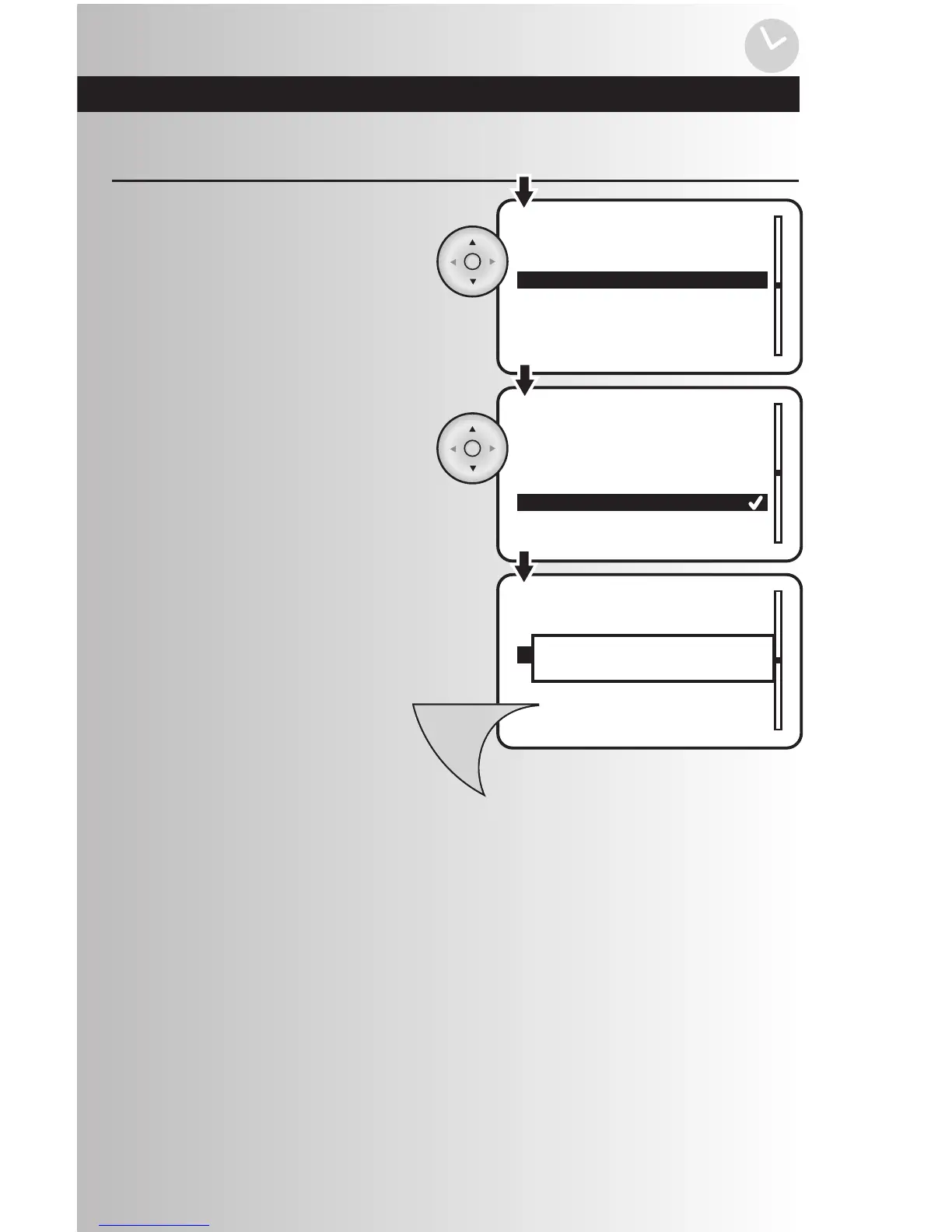
You will see a list of existing scenes in your
system. Using the arrow pad, highlight the
desired scene for the event. Press the OK
button to save.
Edit an Event (continued)
4. To save the event, press the Menu button.
To select the scene, highlight “Scene” and
press the OK button.
49

Table of Contents