EasyManua.ls Logo

Cooper Aspire RF - Event Type and Scene Editing; Editing Event Type and Associated Scene

Cooper Aspire RF
76 pages
Print Icon
To Next Page IconTo Next Page
To Previous Page IconTo Previous Page
Loading...
Create and Control Events
48
Friday
Saturday
Sunday
EveryDay
Sports
Day Sunday
Type 0ne time
Scene Dining Room
Save
0ne Time
Recurring
Sports Type
Sports
Time 08:30 Am
Day Saturday
Type 0ne time
Sports
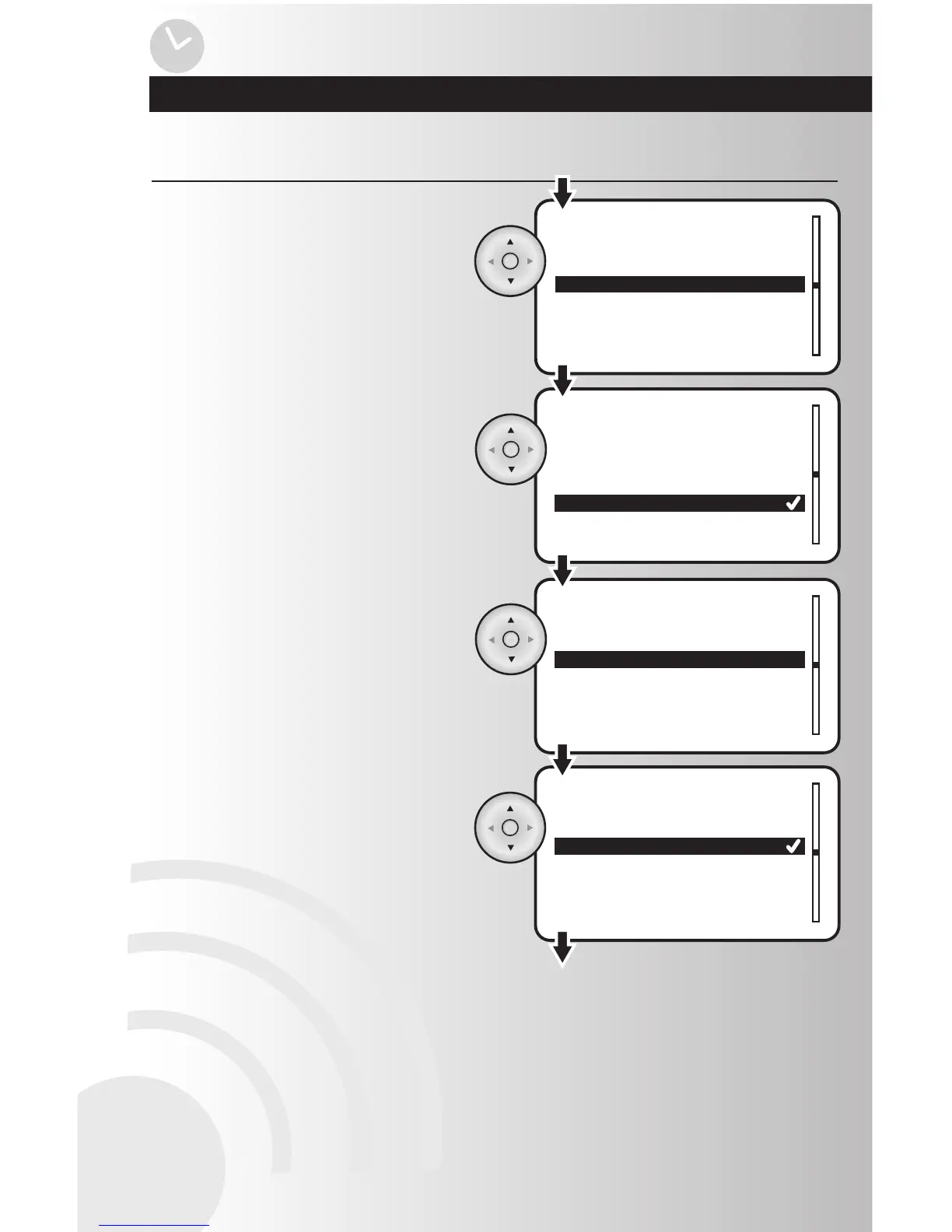
To create the day, highlight “Day” and
press the OK button.
Edit an Event (continued)
Using the up and down arrows, highlight the
day of the week, Everyday, Weekdays, or
Weekend and press OK.
To edit the type, highlight “Type” and press
the OK button. You can make your event a
one-time or recurring event with this setting.
Using the arrow pad, highlight “One Time” or
“Recurring”. Press the OK button to save.

Table of Contents